Amazon AdsとTenjinとの連携方法 #
- 最新のTenjin SDKが実装されていることを確認してください。
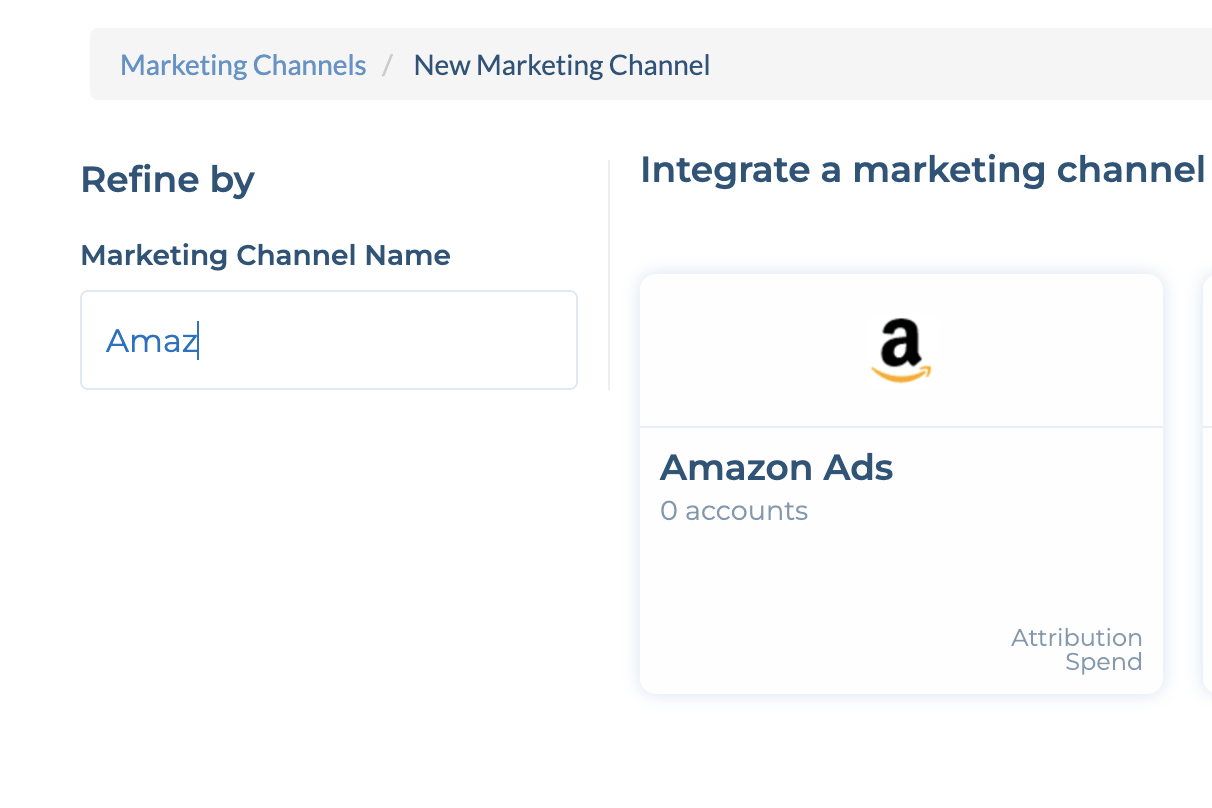
- ChannelsタブにAmazon Adsアカウントを追加します。
- マネージドサービスアカウントを使用している場合は、 これらの手順を完了し、手順8でアクセスするようにしてください。
- CONFIGURE -> Appsタブに移動し、該当のアプリを選択します。
- Callbacksタブをクリックします。
- Channels and PartnersのドロップダウンからAmazon Adsを選択します。アプリのAmazon 広告主ID を入力し、 Saveをクリックします。注:Amazon広告主IDを確認するには、「広告主設定」にアクセスし、「Amazon ID」を探してください。広告主IDが見つからない場合は、Amazonアカウントマネージャーにお問い合わせください。
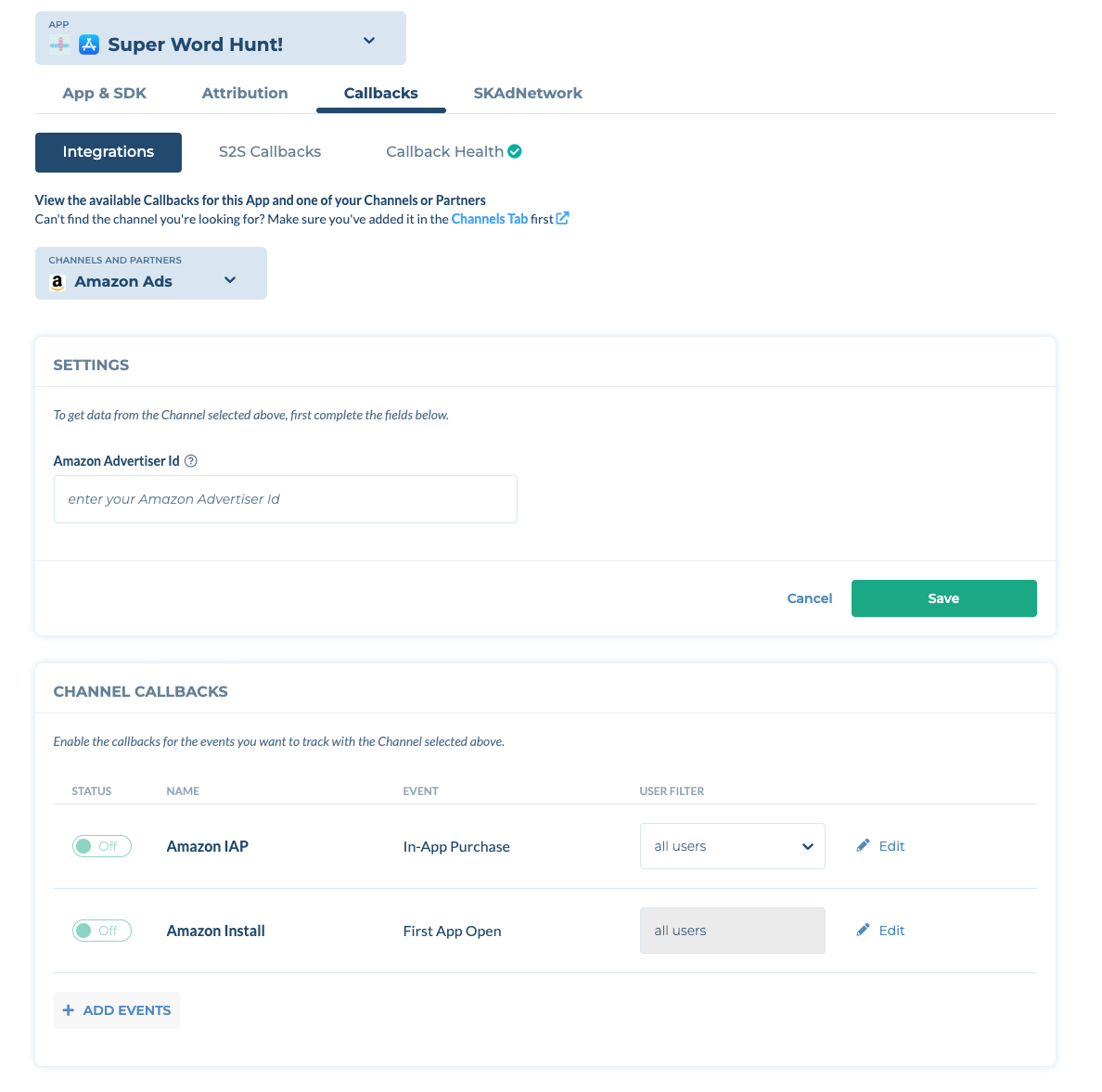
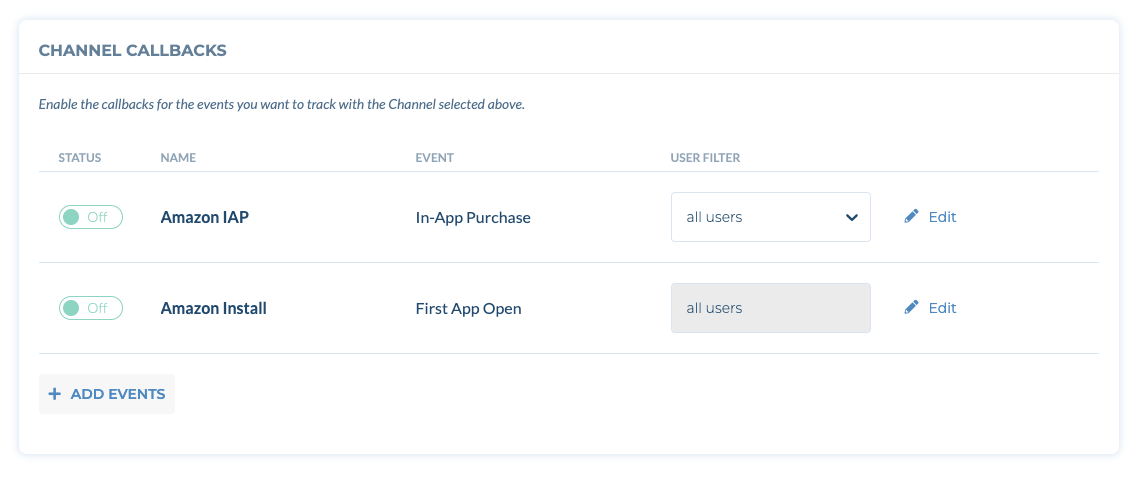
- Amazon InstallコールバックのトグルをONにします。
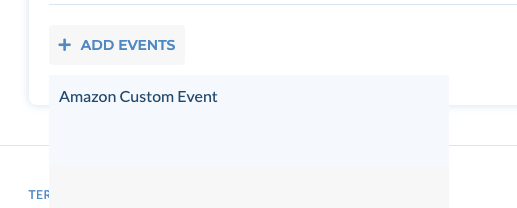
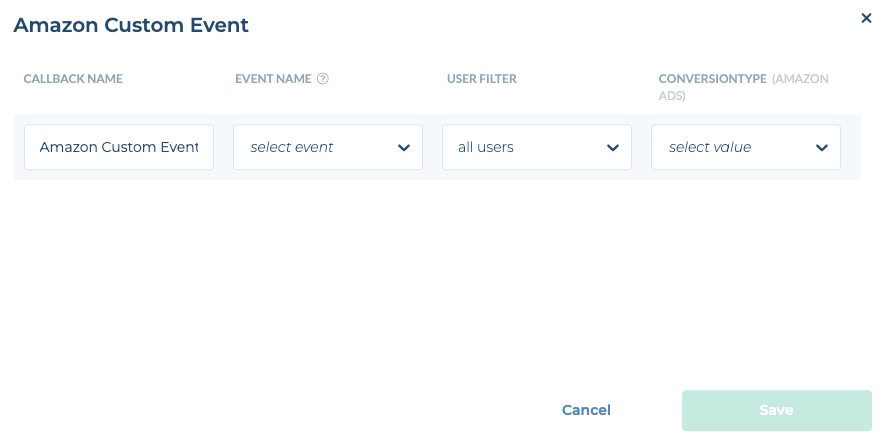
- (オプション) Amazon広告にカスタムイベントを送信するには、+Add Eventsをクリックし、Amazonカスタムイベントを選択します。次に、イベント名とコンバージョンタイプを選択します。
重要:
Amazon広告におけるDMA同意の適用(2026年6月30日発効)
2026年6月30日より、Amazon Adsは、デジタル市場法(DMA)の規制対象市場(EU/EEA/英国)からのトラフィックに対して、DMAの同意要件を適用します。この日以降、有効なユーザー同意シグナルなしにDMA市場から送信されたコンバージョンイベントはアトリビューションされず、Amazon Adsはこれらのイベントに関するアトリビューションレコードを返しません。
実装方法:Tenjinは、IAB透明性・同意フレームワーク(TCF)2.x規格に準拠した同意シグナルを自動的に取得します。お客様のCMP(同意管理プラットフォーム)がIAB TCF v2.xに準拠していれば、同意文字列は自動的に取得され、Amazon Adsに転送されます。追加のSDK実装作業は不要です。