What is Tenjin’s Campaign Merge Tool? #
Tenjin’s Campaign Merge Tool syncs data from third party Attribution providers and ad networks to calculate ROI within its dashboards and DataVault. Customers can use this tool on their own to “clean” their siloed datasets.
Campaign Merge Tool Overview #
To illustrate what the Merge Tool solves, Tenjin can be configured to receive campaign data from ad networks. The campaign data Tenjin receives has properties that make each campaign seem unique, even though they represent the same campaign.
Merging these “different” campaigns together is critical to report on ROI from a specific channel.
Below is an example of how an Ad Network might see things differently in their reporting. These three campaigns are in fact “identical”, but Ad Network and Tenjin sees them as separate campaigns.
| Campaign | reported_installs | tracked_installs | spend | LTV | ROI |
|---|---|---|---|---|---|
| US – WS | 20 | $30 | -100% | ||
| US – WordSearch | 10 | $100 | -100% | ||
| WordSearch – US | 32 | $30 |
Using the Tenjin Campaign Merge tool, Tenjin clients can “merge” both siloed Ad Network and Tenjin Attribution campaign data sets together as shown in the result below.
After Campaign Merge
| Campaign | reported_installs | tracked_installs | spend | LTV | ROI |
|---|---|---|---|---|---|
| US – WordSearch | 30 | 32 | $130 | $30 | -70% |
This data is now “cleaned” so that everything is tied to a single campaign ID and can be accessed through Tenjin’s various APIs and also DataVault.
Process #
- We pull a list of campaigns from ad-network API and create those campaigns automatically on Tenjin.
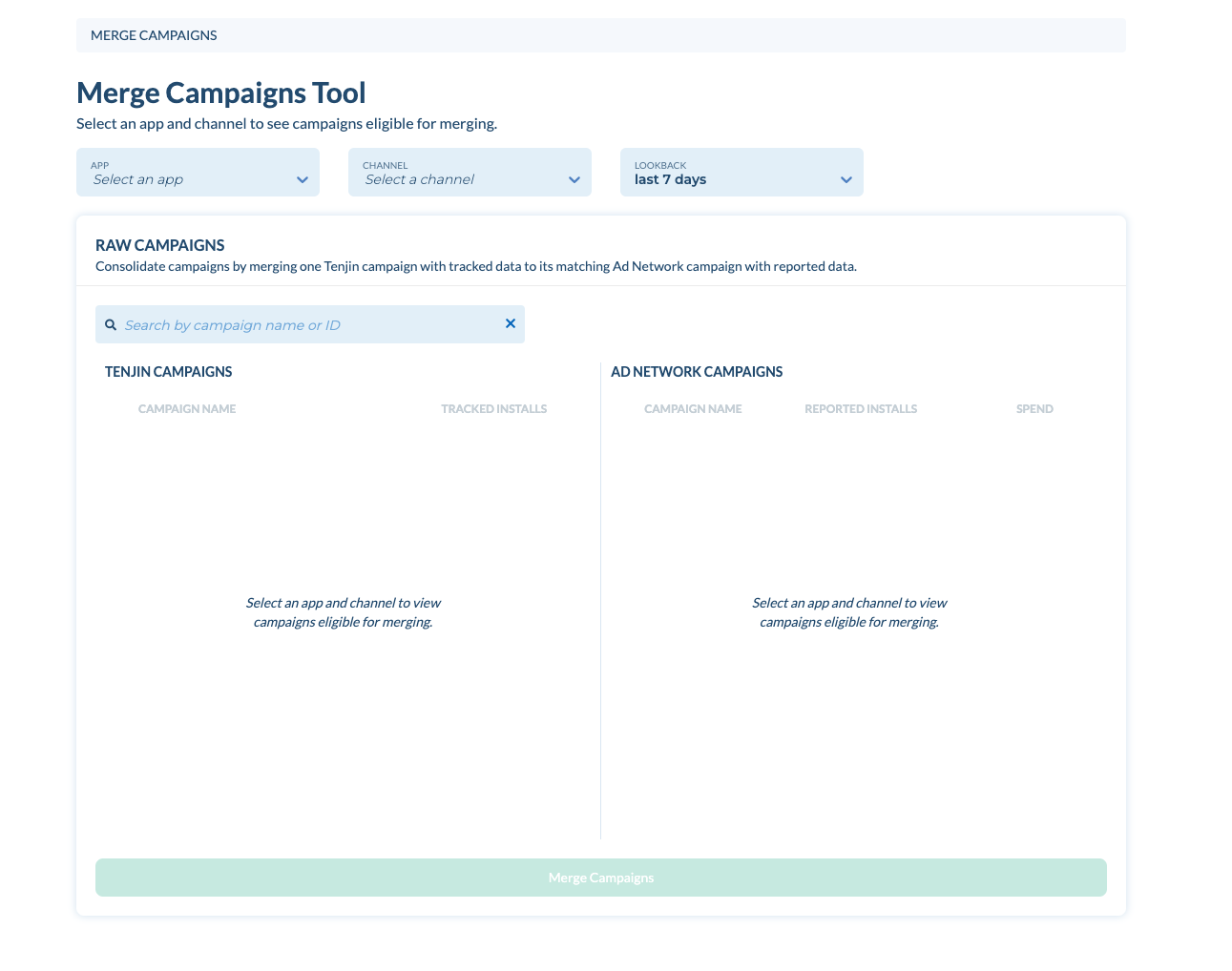
- Go to the DIAGNOSE -> Campaign Merge. You’ll see a list of campaigns that can be merged for each app and network, and date range selected.

On the top, you can search the campaigns by app and channel and select lookback days. We show all the tracked and Reported Installs within the lookback period. This is useful to gauge how similar the Attribution and Ad Network campaigns are.
In the middle, you can see a list of raw campaigns that need to be merged. If the campaign comes from an ad-network’s reporting API, we show campaign_name, reported_installs and spend. Then, you can check each campaign you want to merge, and click Merge Campaigns.