Tenjin管理画面でのユーザ管理方法 #
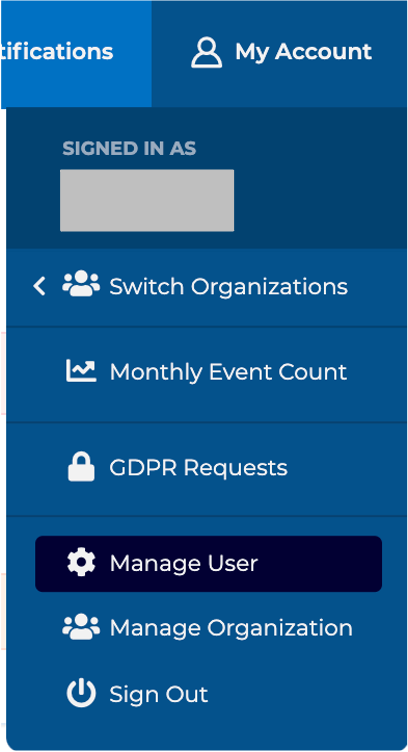
Tenjinのメインメニューで、My Account -> Manage Userをクリックします。
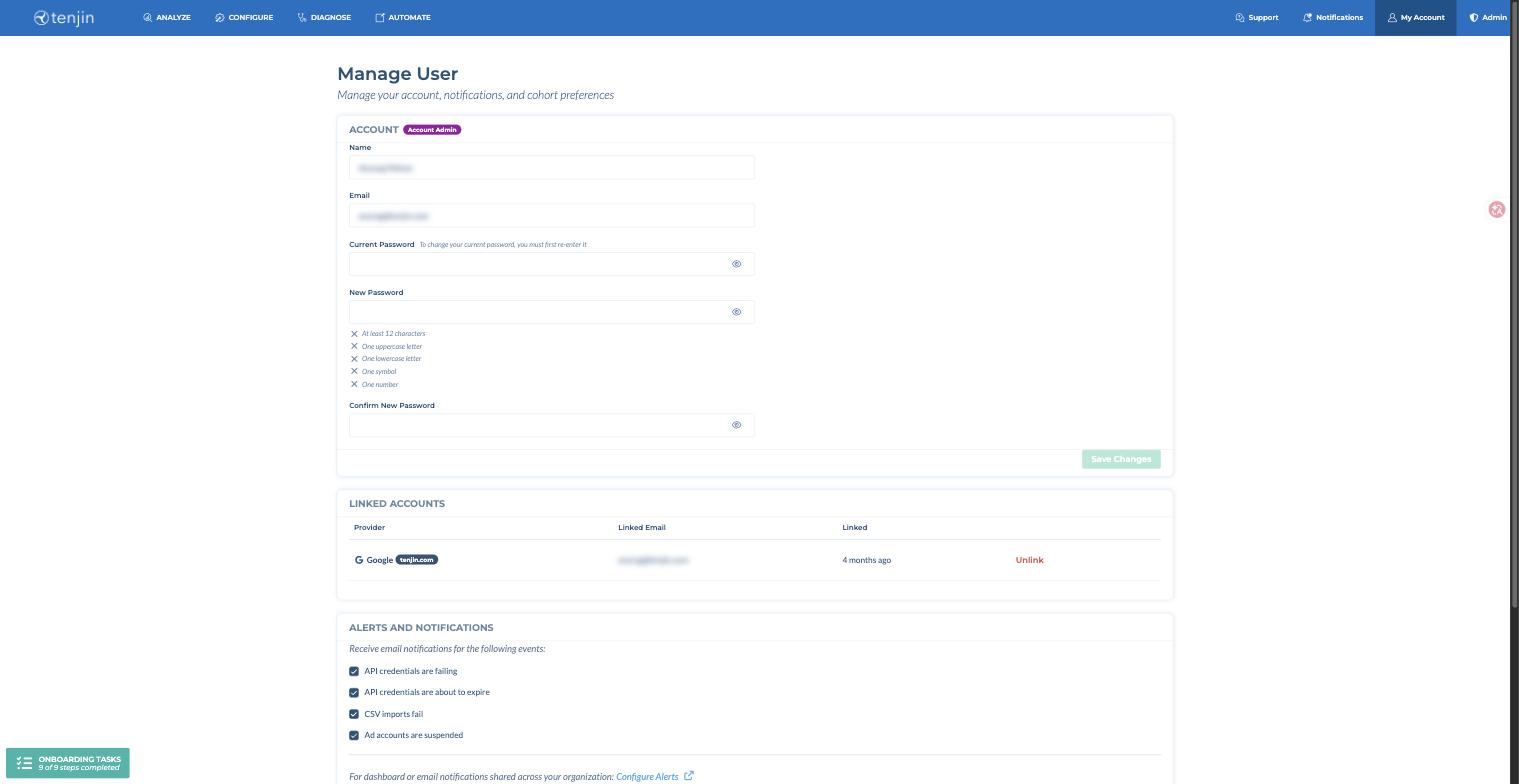
その Account セクションでは、以下の項目を変更できます:
- 名前
- メールアドレス
- パスワード(変更するには現在のパスワードの入力が必要です)
それらの指標を評価すべきN日またはpLTVの Linked Accounts セクションには、ユーザーに連携されているサインインプロバイダー(Googleなど)が表示され、連携を解除することもできます。
Alerts and Notifications(アラートと通知) #
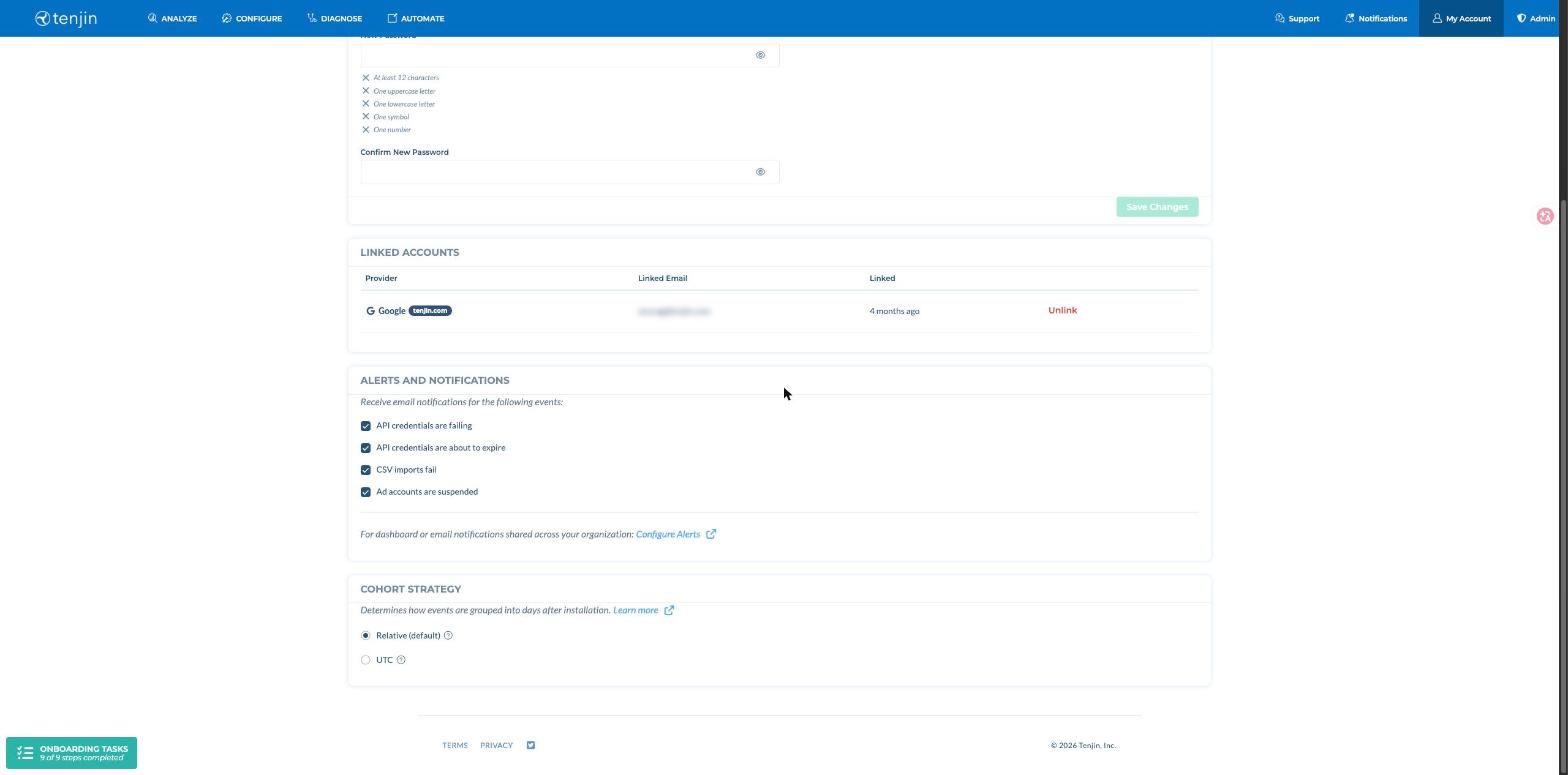
以下のイベントのメール通知は、デフォルトで有効になっています。各通知のオン/オフは、いつでも次で切り替えられます: Alerts and Notifications セクション。
- API credentials are failing: アドネットワークのクレデンシャル情報が不正の場合、メールで通知します。通常これはアドネットワーク管理画面のログイン情報が変更された後、Tenjin側で同様の変更を行っていない場合に発生します。
- API credentials are about to expire: セルフアトリビューションネットワークのAPI認証情報には有効期限があります。有効期限が近づくとアラートをお送りします。
- CSV imports fail: アドネットワークから送られた広告費または広告収益データのCSVの取り込みに失敗した場合です。通常、CSVファイルの形式が正しくないときに発生します。
- Ad accounts are suspended: Tenjinで広告アカウントが停止(suspended)された場合です。通常、その広告アカウントの認証情報のエラーが1か月以上続くと発生します。
組織全体で共有するダッシュボード通知やメール通知には、次を使用してください: アラート設定.
リテンションコホートストラテジー #
Tenjinは、UTCベースのコホート戦略を用いたリテンション率の算出をサポートしています。この方式では、各ユーザーのインストールタイムスタンプ後の最初のUTC午前0時を1日目とします。この方法により、UTCベースのタイムスタンプを使用する他のプラットフォームとのリテンション率の算出方法が整合し、指標の不一致を軽減できます。
アカウントでこの機能を有効にするには、My Account → Manage User → Cohort Strategy(ページ下部、上記のスクリーンショットに表示)に移動し、Relative (default)またはUTCを選択してください。詳細については、こちらをご覧ください。