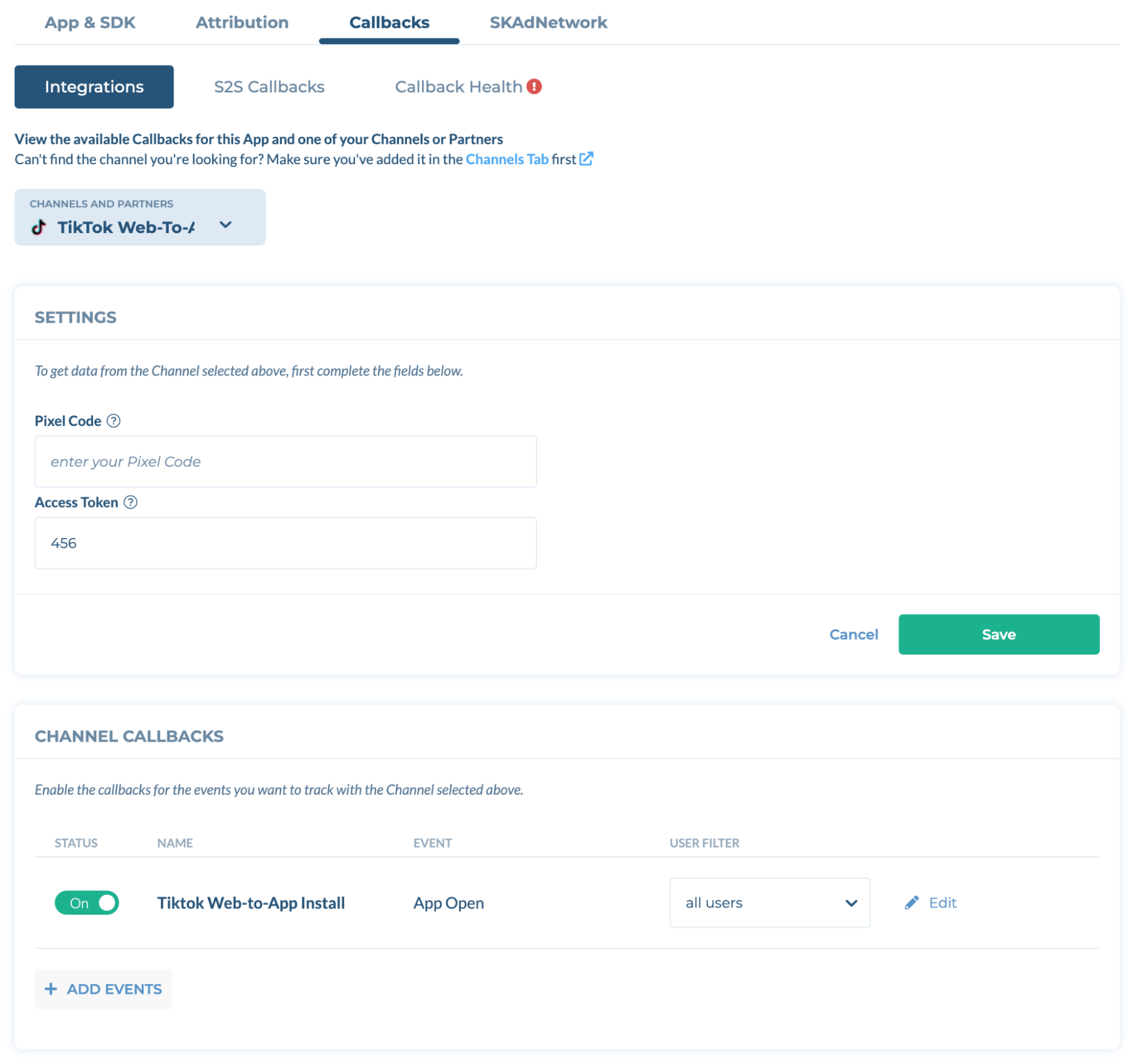
Configuration on TikTok Event Manager #
- Log in to your TikTok event manager.
- Click + to Connect a new data source.
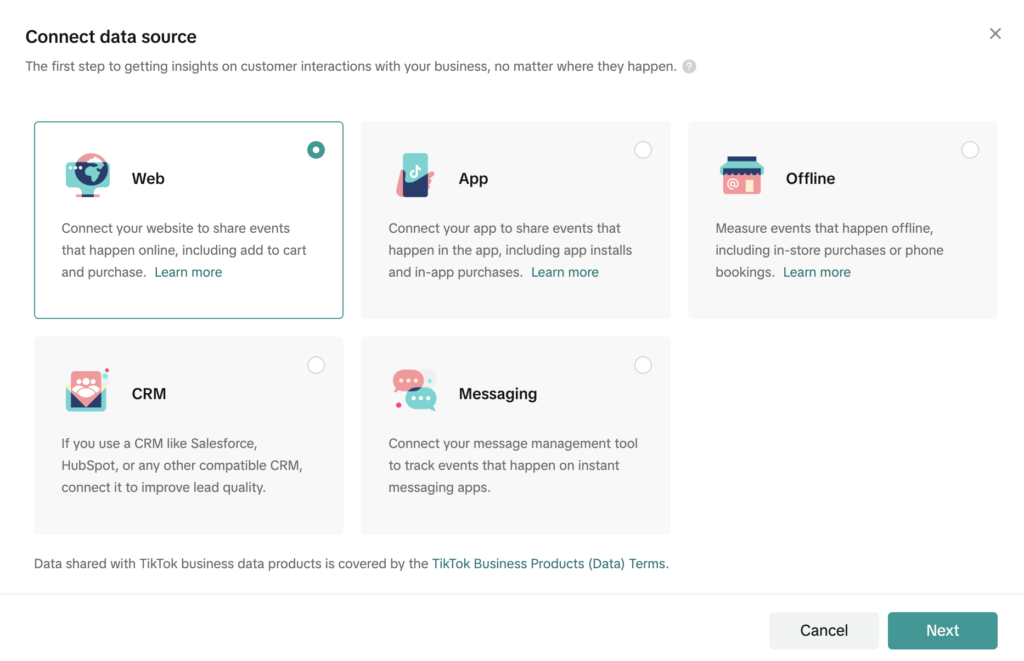
- Choose the “Web” option and click “Next”.
- Choose manual setup if you plan to Install the pixel code by yourself.
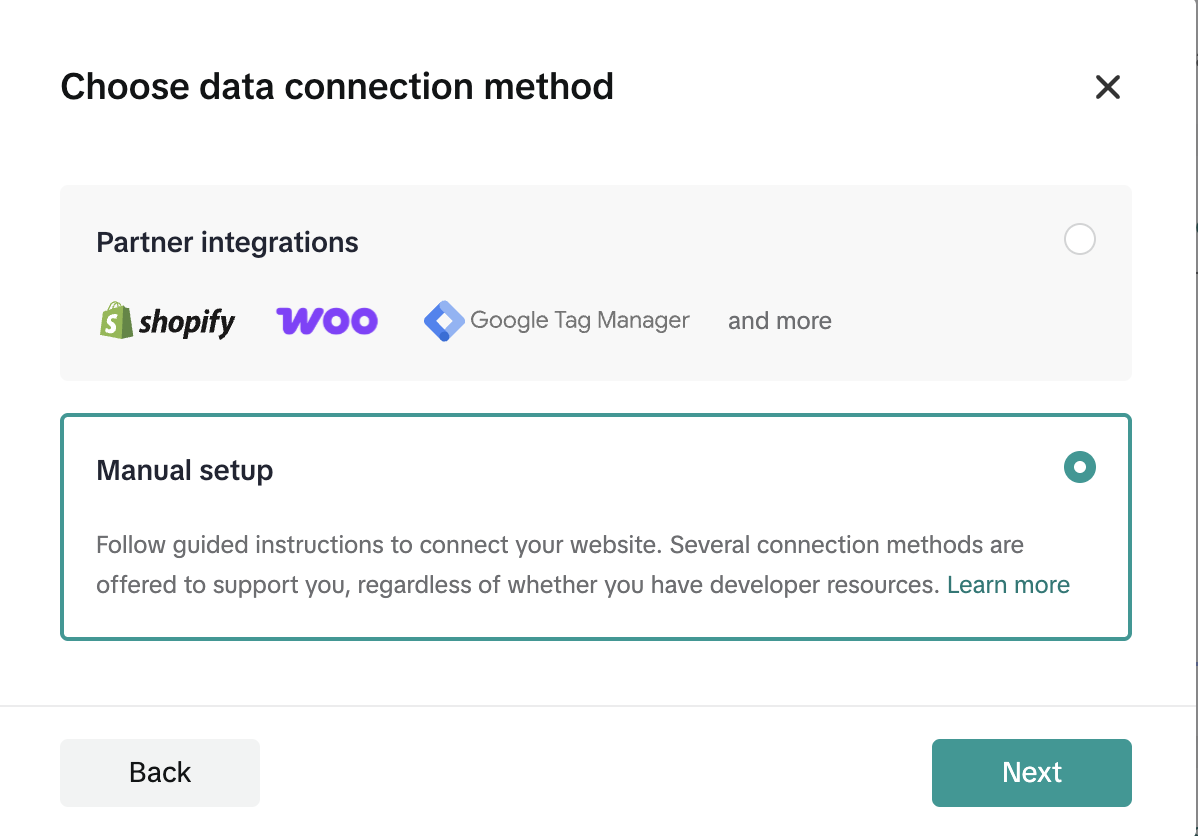
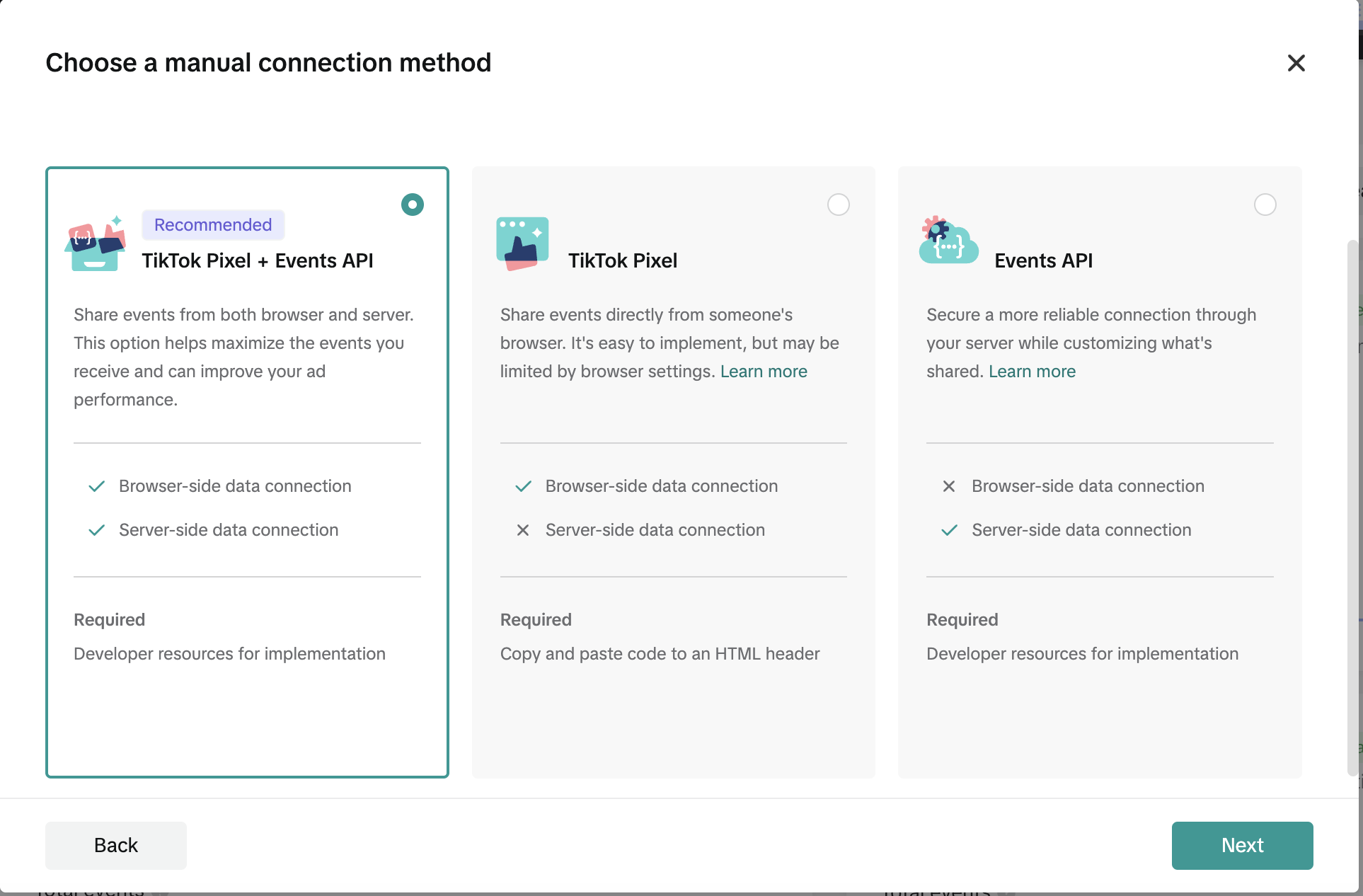
- For the connection method, choose the “Tiktok Pixel + Events API” option.
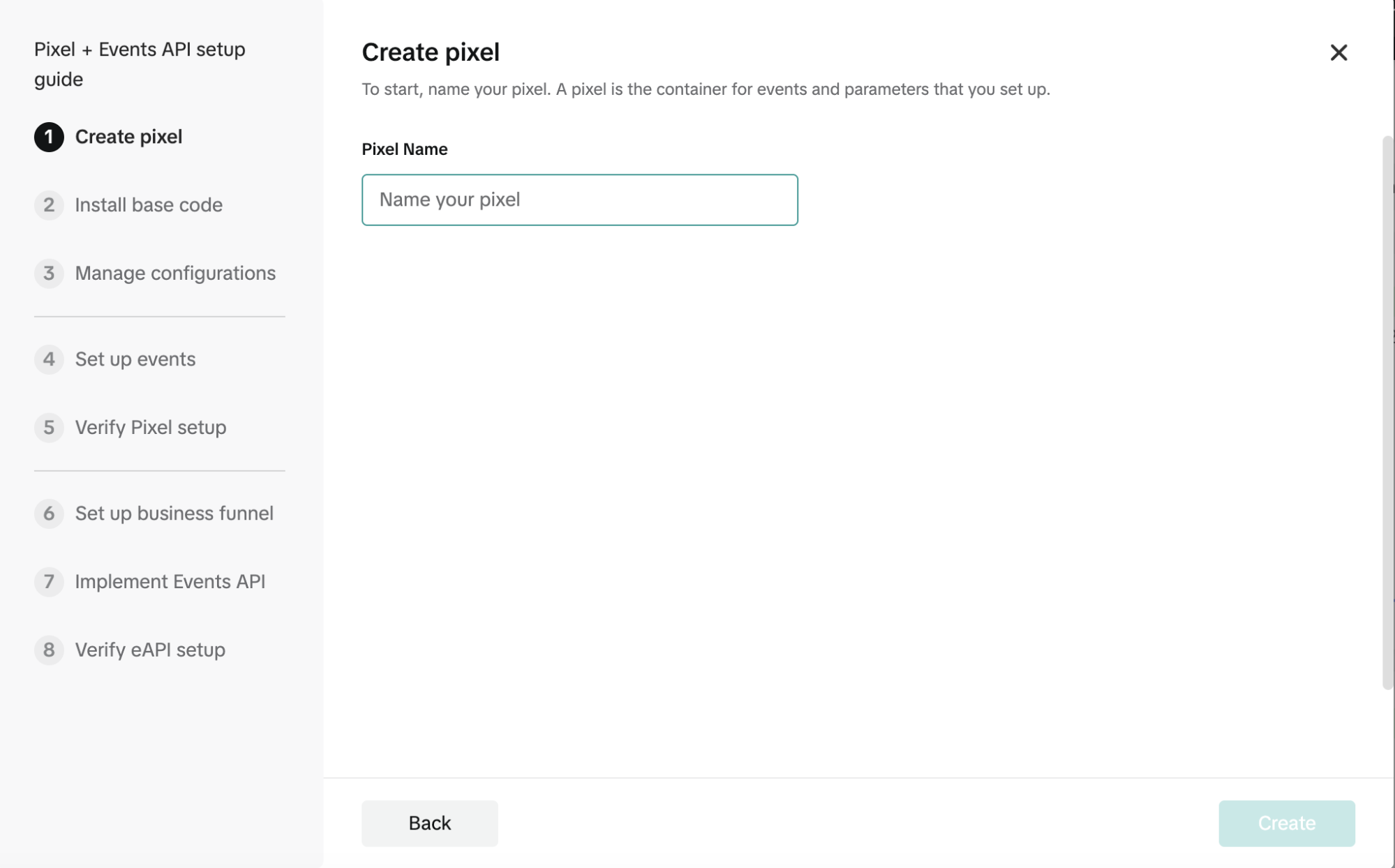
- Provide a name for your pixel.
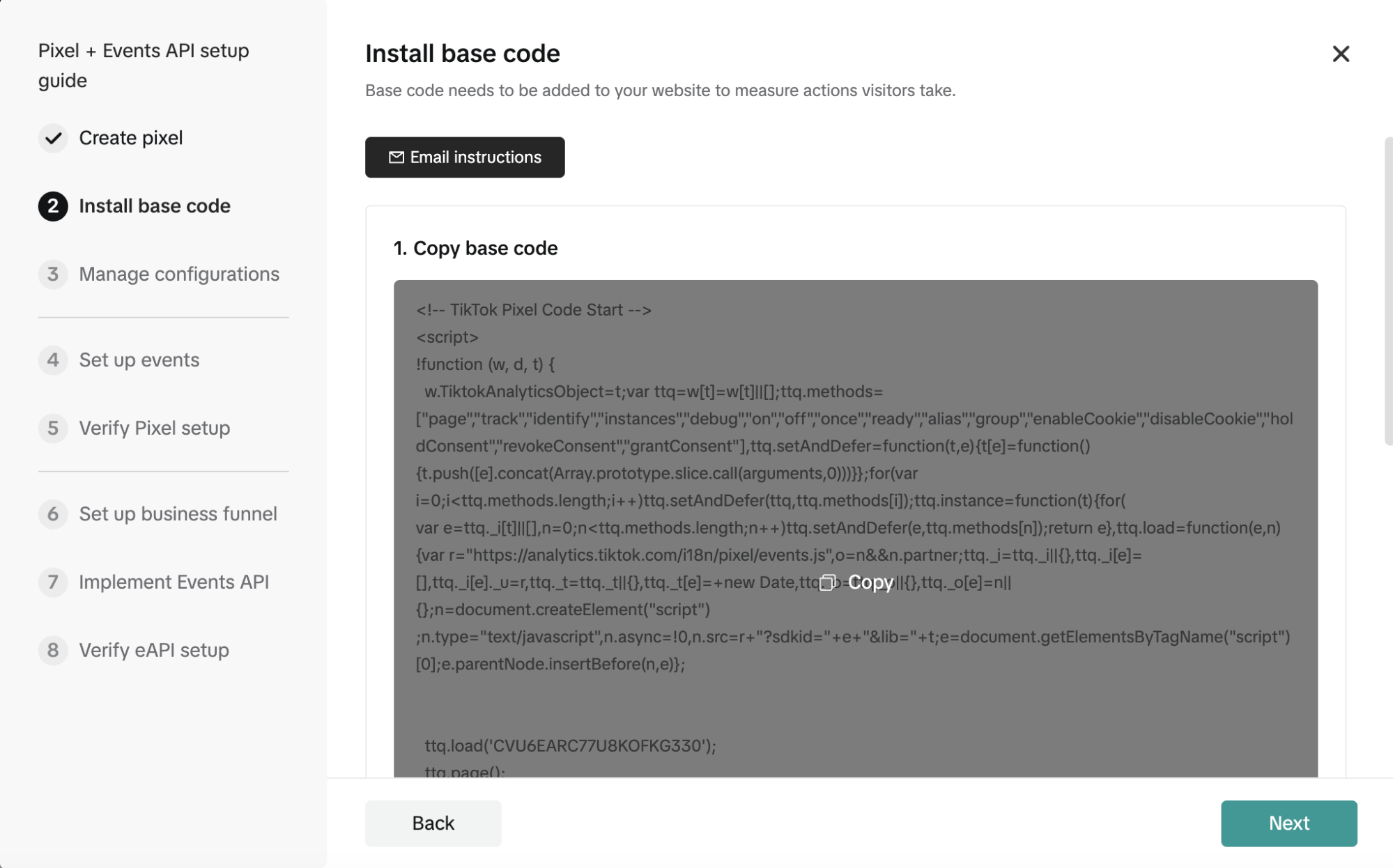
- Install the base code into your landing page (inside <head></head>).
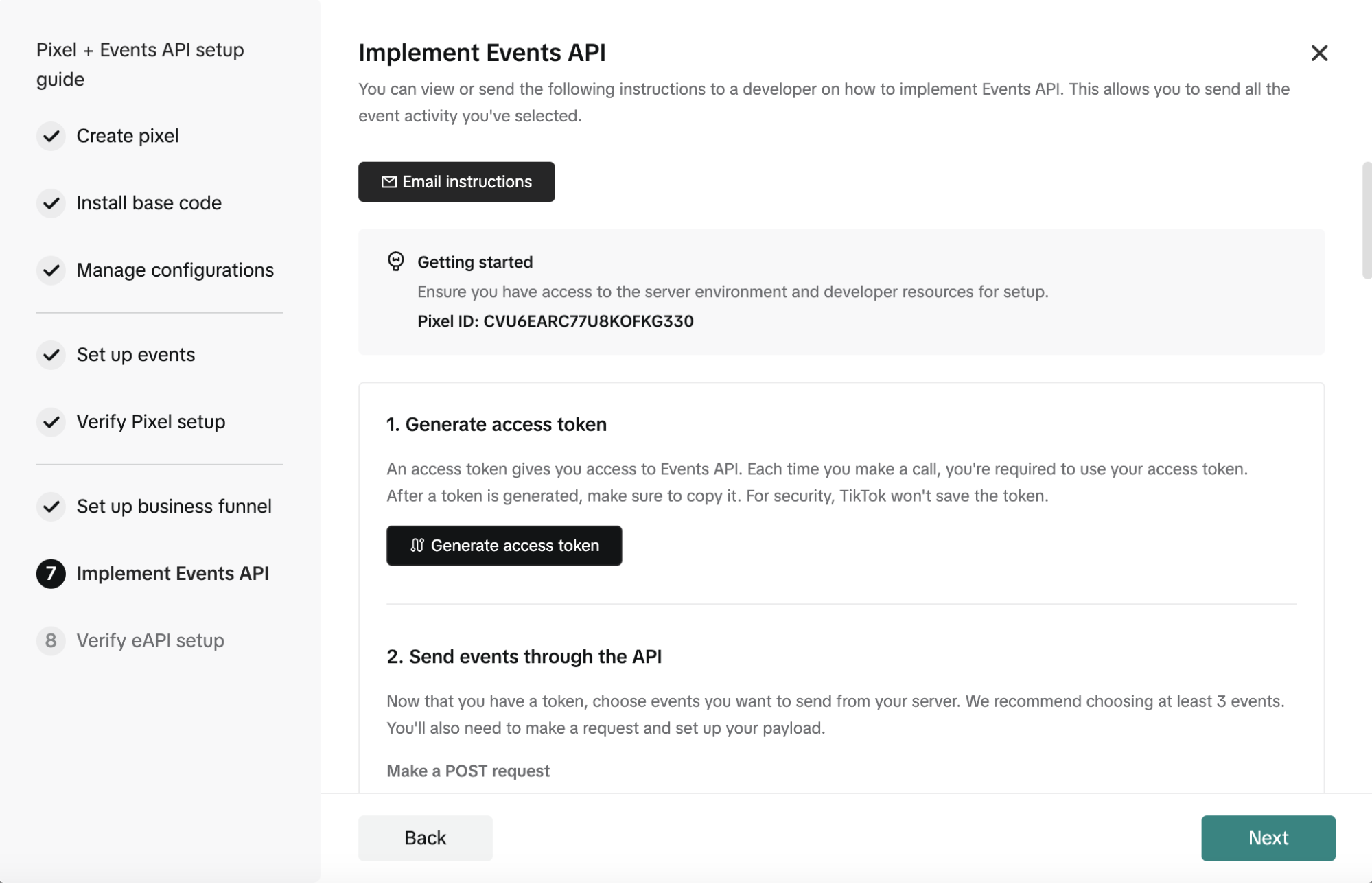
- Follow the steps to set up events such as page load and click. You can also set these up later once your landing page is ready. In Step 7, please save your Pixel ID and generate an access token for further configuration.
Landing page code installation #
- Follow our sample code and just change your pixel ID. Please include the TikTok pixel part in <head>, and update CVQT4GJC77U89V958HM0 to your own Pixel ID.
JavaScript
<head>
  <!-- TikTok Pixel Code Start -->
  <script>
    !(function (w, d, t) {
      w.TiktokAnalyticsObject = t;
      var ttq = (w[t] = w[t] || []);

      // Define available methods
      ttq.methods = [
        "page", "track", "identify", "instances", "debug",
        "on", "off", "once", "ready", "alias", "group",
        "enableCookie", "disableCookie",
        "holdConsent", "revokeConsent", "grantConsent",
      ];

      // Defer method calls until SDK loads
      ttq.setAndDefer = function (t, e) {
        t[e] = function () {
          t.push([e].concat(Array.prototype.slice.call(arguments, 0)));
        };
      };

      for (var i = 0; i < ttq.methods.length; i++) {
        ttq.setAndDefer(ttq, ttq.methods[i]);
      }

      // Create pixel instance
      ttq.instance = function (t) {
        var e = ttq._i[t] || [];
        for (var n = 0; n < ttq.methods.length; n++) {
          ttq.setAndDefer(e, ttq.methods[n]);
        }
        return e;
      };

      // Load the TikTok pixel SDK
      ttq.load = function (e, n) {
        var r = "https://analytics.tiktok.com/i18n/pixel/events.js";
        var o = n && n.partner;

        ttq._i = ttq._i || {};
        ttq._i[e] = [];
        ttq._i[e]._u = r;
        ttq._t = ttq._t || {};
        ttq._t[e] = +new Date();
        ttq._o = ttq._o || {};
        ttq._o[e] = n || {};

        // Inject script tag
        var script = document.createElement("script");
        script.type = "text/javascript";
        script.async = true;
        script.src = r + "?sdkid=" + e + "&lib=" + t;

        var firstScript = document.getElementsByTagName("script")[0];
        firstScript.parentNode.insertBefore(script, firstScript);
      };

      // Initialize with pixel ID and fire page view
      ttq.load("CVQT4GJC77U89V958HM0");
      ttq.page();
    })(window, document, "ttq");
  </script>
  <!-- TikTok Pixel Code End -->
</head>Please include the below part in the body of your html, you can edit accordingly if needed.
JavaScript
<script>
  // Capture URL Parameters
  const urlParams = new URLSearchParams(window.location.search);
  let ttclid = urlParams.get("ttclid") || "";
  let campaign_id = urlParams.get("campaign_id") || "";
  let campaign_name = urlParams.get("campaign_name") || "";
  let creative_name = urlParams.get("creative_name") || "";

  // Function to Handle Download Button Click
  function handleDownloadClick() {
    let trackingURL =
      `https://track.tenjin.com/v0/click/NBoIGJFsXn8oGtlVqtcaL` +
      `?tenjin_parameter_1=${ttclid}` +
      `&redirect=false`;

    let downloadURL = "https://kudoocat.com/puzzlegame.apk";

    // Step 1: Send tracking request silently (no page redirection)
    fetch(trackingURL, { method: "GET", mode: "no-cors" })
      .then(() => {
        console.log("Tracking sent successfully.");
      })
      .catch(() => {
        console.log("Tracking request failed.");
      });

    // Step 2: Directly trigger file download
    window.location.href = downloadURL;
  }

  // Prevent iOS Double-Tap Zoom
  let lastTouchEnd = 0;
  document.addEventListener(
    "touchend",
    function (event) {
      const now = Date.now();
      if (now - lastTouchEnd <= 300) {
        event.preventDefault();
      }
      lastTouchEnd = now;
    },
    false
  );

  // Prevent Multi-Touch Gestures
  document.addEventListener(
    "touchstart",
    function (e) {
      if (e.touches.length > 1) {
        e.preventDefault();
      }
    },
    { passive: false }
  );
</script>For the tracking URL, please obtain your own tracking URL from Tenjin (refer to the Tenjin setup instructions below).
Configuration on Tenjin dashboard #
- Add TikTok Web-to-App channel on Tenjin dashboard.
- Generate a tracking url under campaign page, the tracking url needs to be implemented into your landing page:
https://track.tenjin.com/v0/click/NBoIGJFsXn8oGtlVqtcaL?click_id=${ttclid}&redirect=false - Turn on the Tiktok Web-to-App Install Callback.