如何在Tenjin面板添加Amazon Ads渠道 #
- 请确认您添加了最新版本的Tenjin SDK。
- 在Channel里添加您的Amazon Ads账户。如果您还没有添加,可以按照下面的指示添加:
- 请注意,如果你用的是Managed Service Account请完成以下步骤并从第八步获取权限。
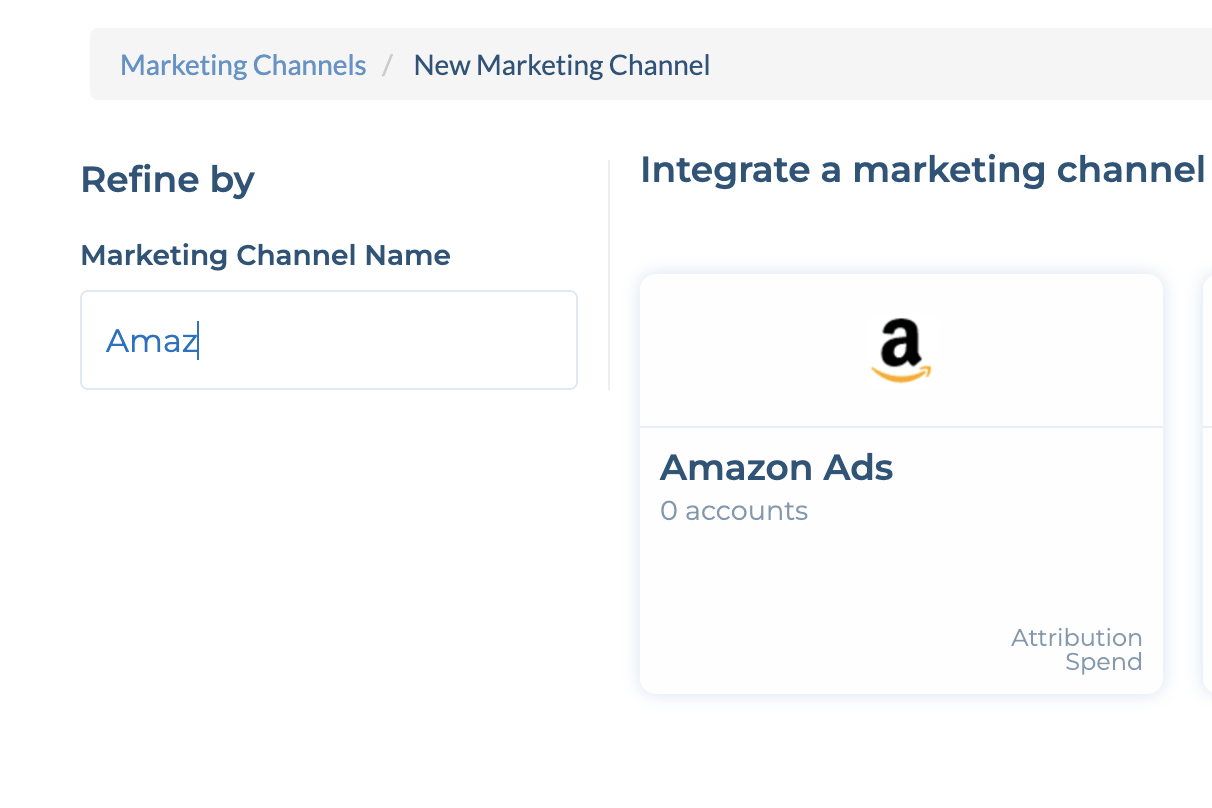
- 到CONFIGURE -> Apps页面,选择你的应用。
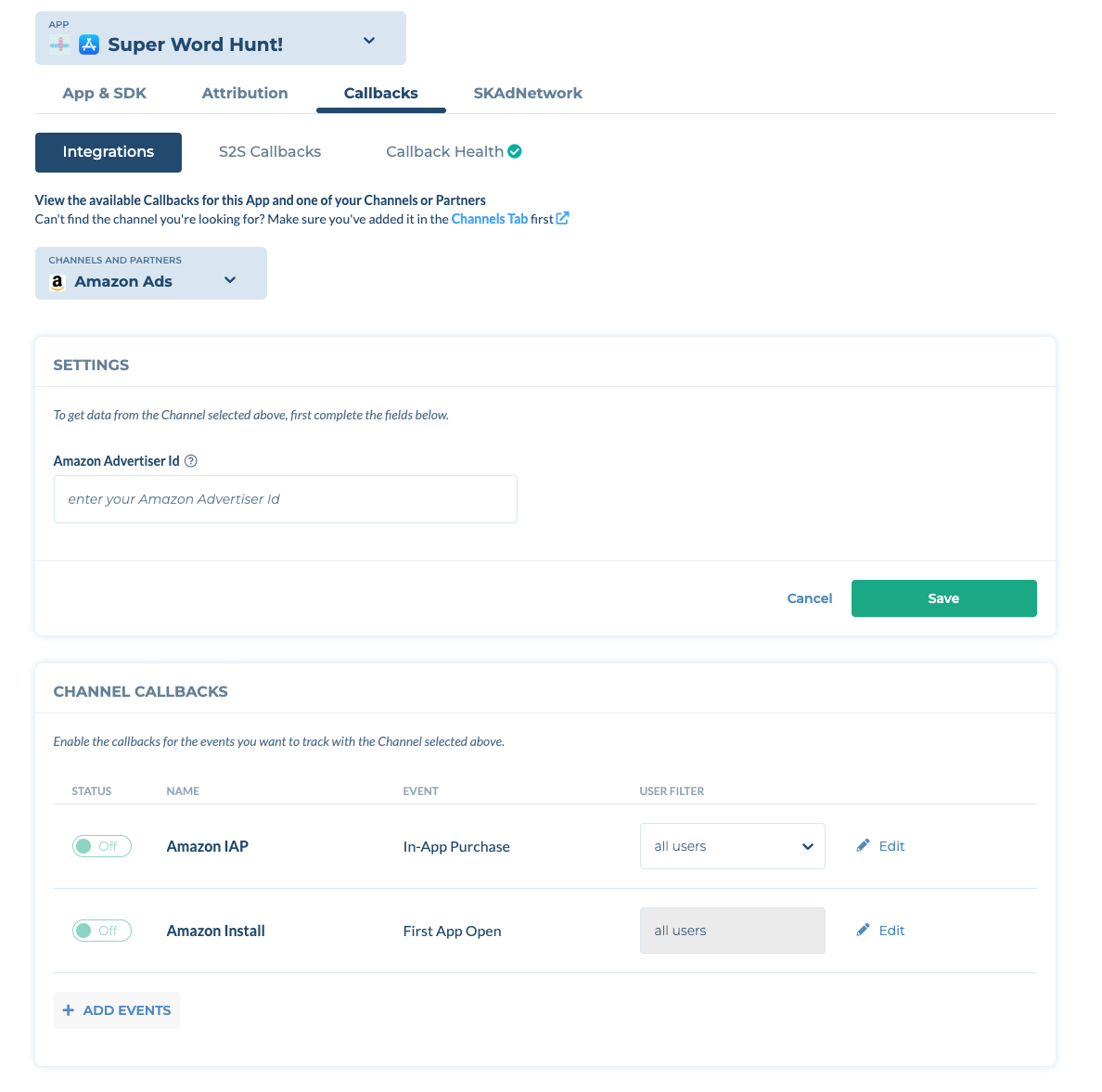
- 选择Callbacks子页面。
- 在Channels and Partners下拉菜单中选择Amazon Ads。输入你app的Amazon 广告商 ID 并且点击 保存'Save'。备注: 你可以在你的Advertiser Setting中找到你的Amazon ID。如果你找不到你的Advertiser ID,请联系你在Amazon的AM。
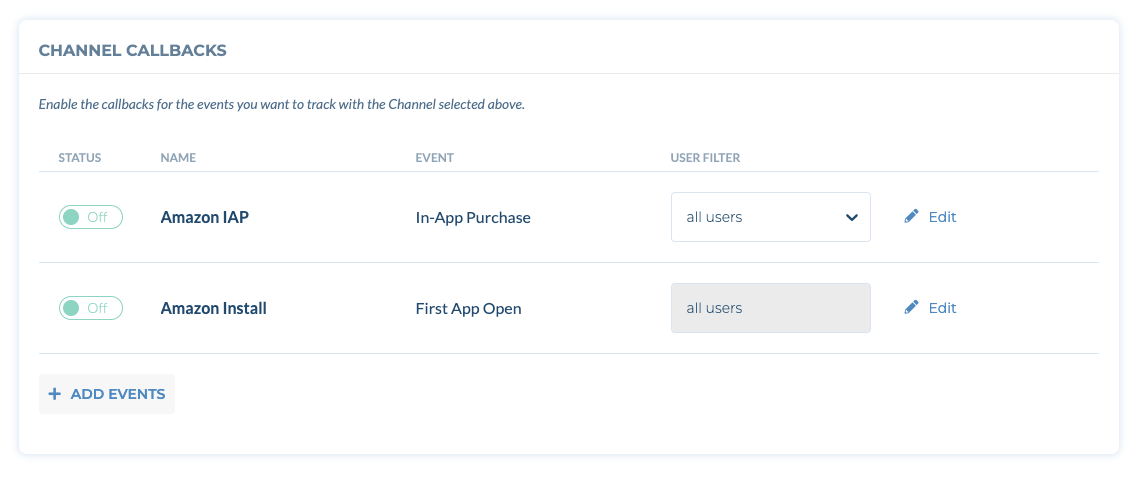
- 打开Amazon Install回传。Status为ON即为开启。
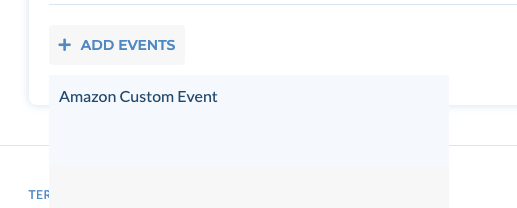
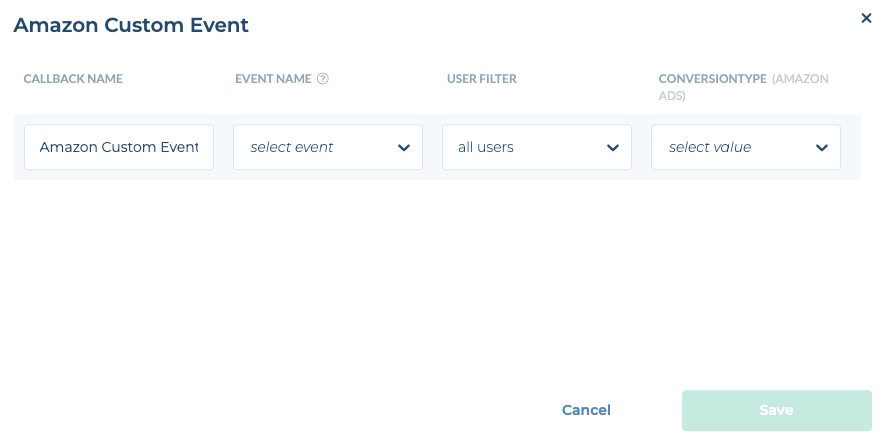
- (可选) 如果想要向Amazon Ads发送自定义事件,请点击+Add Events并选择Amazon Custom Event。然后选择你的事件名称和转化类型。
重要提示::
Amazon Ads DMA 授权合规要求强制执行(2026年6月30日起生效)
自2026年6月30日起,Amazon Ads将针对来自受《数字市场法案》(DMA)监管的市场(欧盟/欧洲经济区/英国)的流量强制执行DMA用户授权合规要求。在此日期之后,对于来自DMA监管市场的转化事件,如果没有包含有效的用户授权信号,将无法被归因,且Amazon Ads也不会返回任何相关的归因记录。
如何实施:Tenjin会自动捕获符合IAB透明度与授权框架(TCF)v2.x标准的授权信号。只要您的CMP(授权管理平台)符合IAB TCF v2.x标准,系统就会自动提取授权字符串并将其转发给Amazon Ads——无需进行任何额外的SDK集成工作。