如何设置 AppLovin 广告系列 #
- 请确保已在"渠道"选项卡中添加您的 AppLovin 账户。
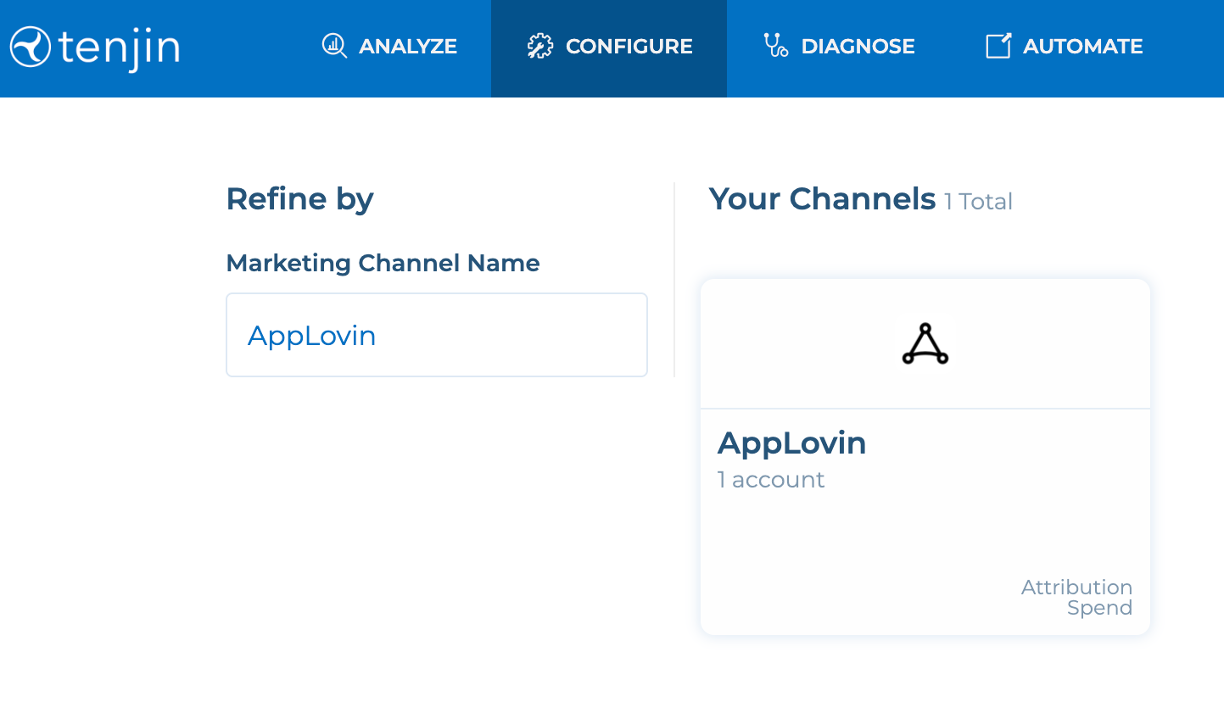
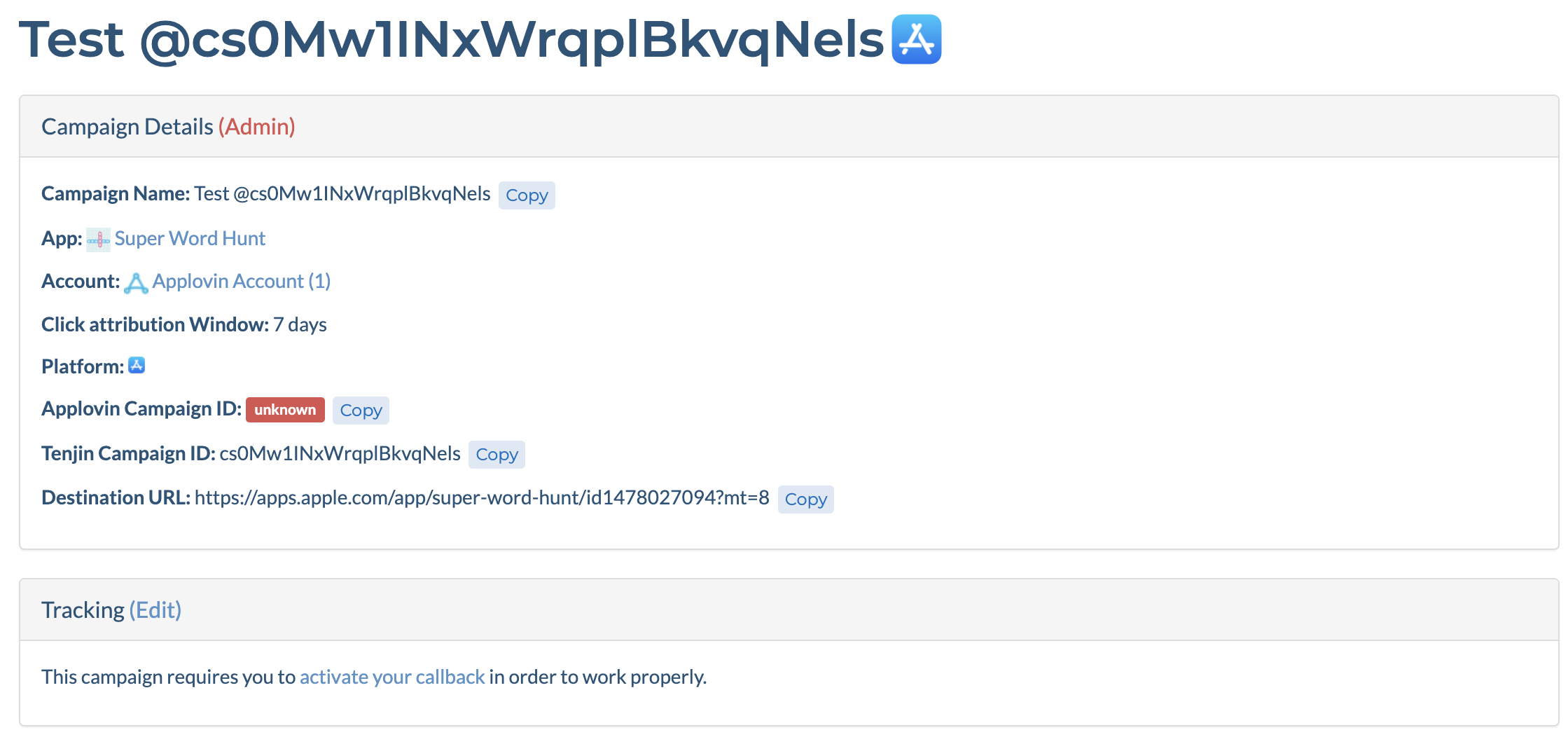
- 转到"广告系列"选项卡,选择您的 AppLovin 账户并创建广告系列。 如果您是首次为该应用创建广告系列,将看到一条提示信息:“待创建回调”。请点击该链接设置您的安装回调。.
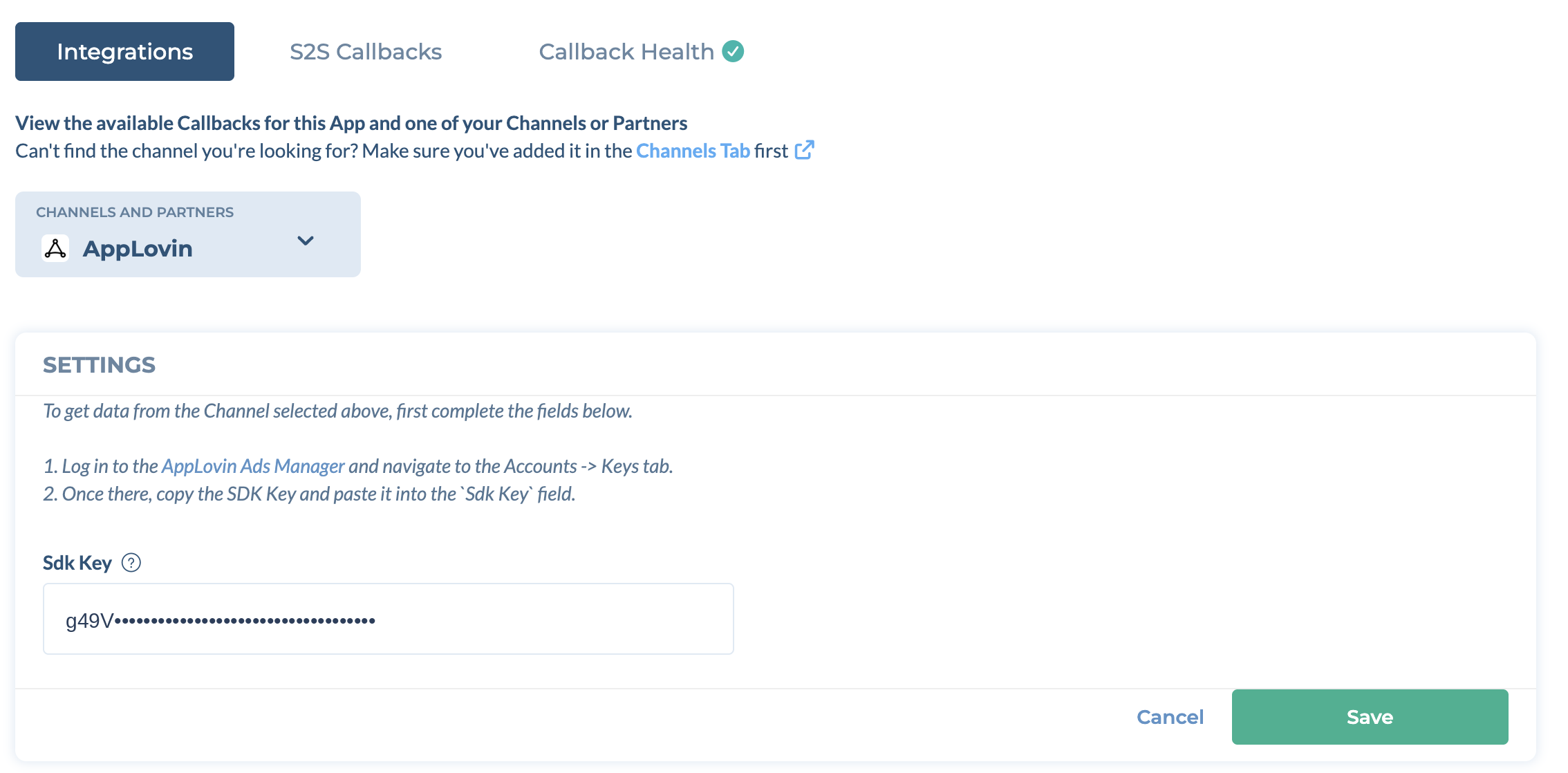
- 在下一页中,在“渠道和合作伙伴”下拉菜单中选择 AppLovin。输入 SDK 密钥,然后点击“保存”。.

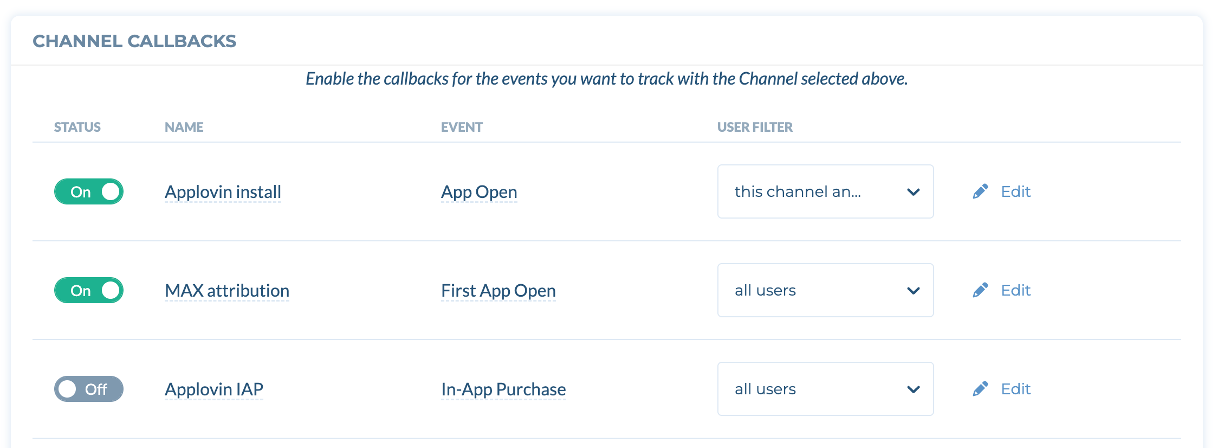
- 根据需要开启 AppLovin 安装回调及其他回调。.

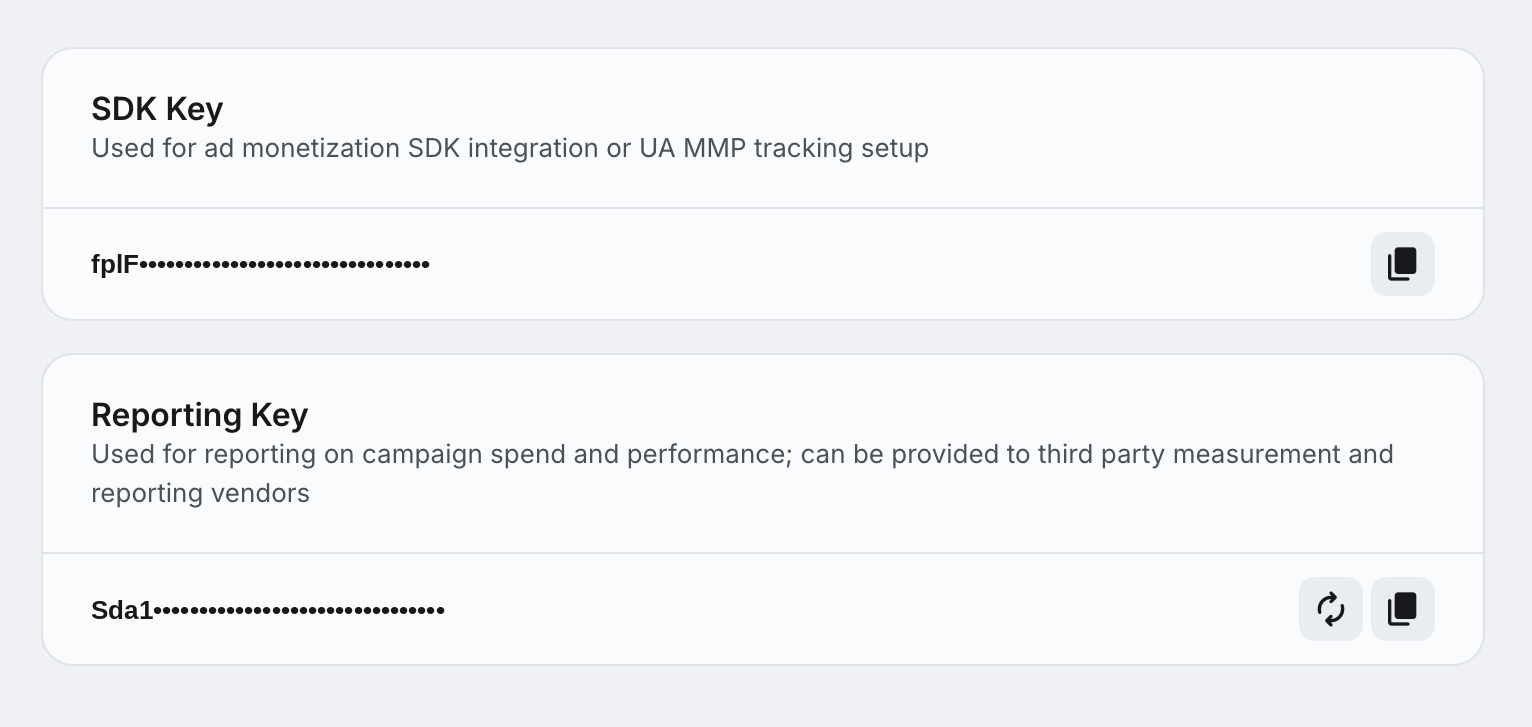
您可以从以下位置获取 AppLovin SDK 密钥: Applovin 广告管理器 (Accounts -> Keys -> SDK Key).
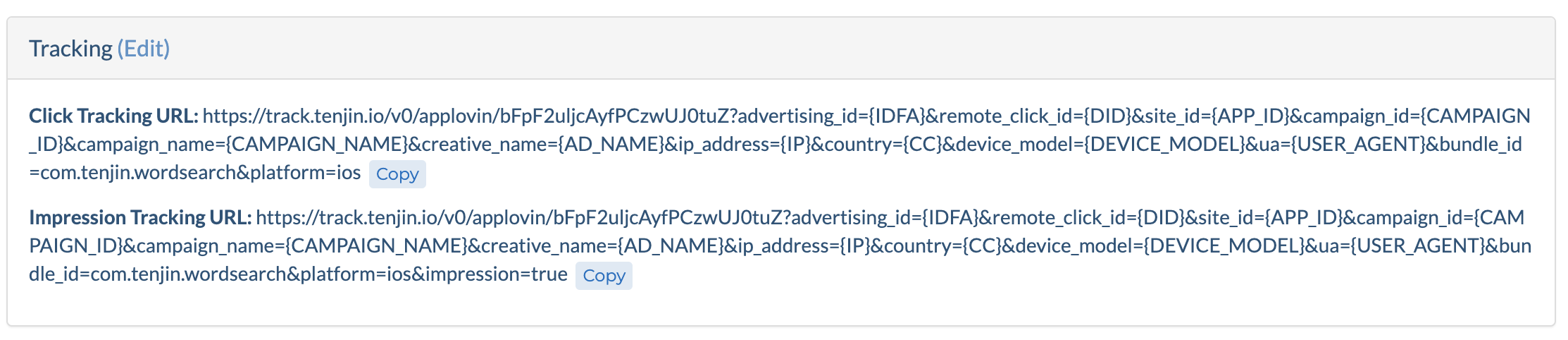
- 当您开启回调后,您将在Campaign页面看到点击和展示追踪链接。
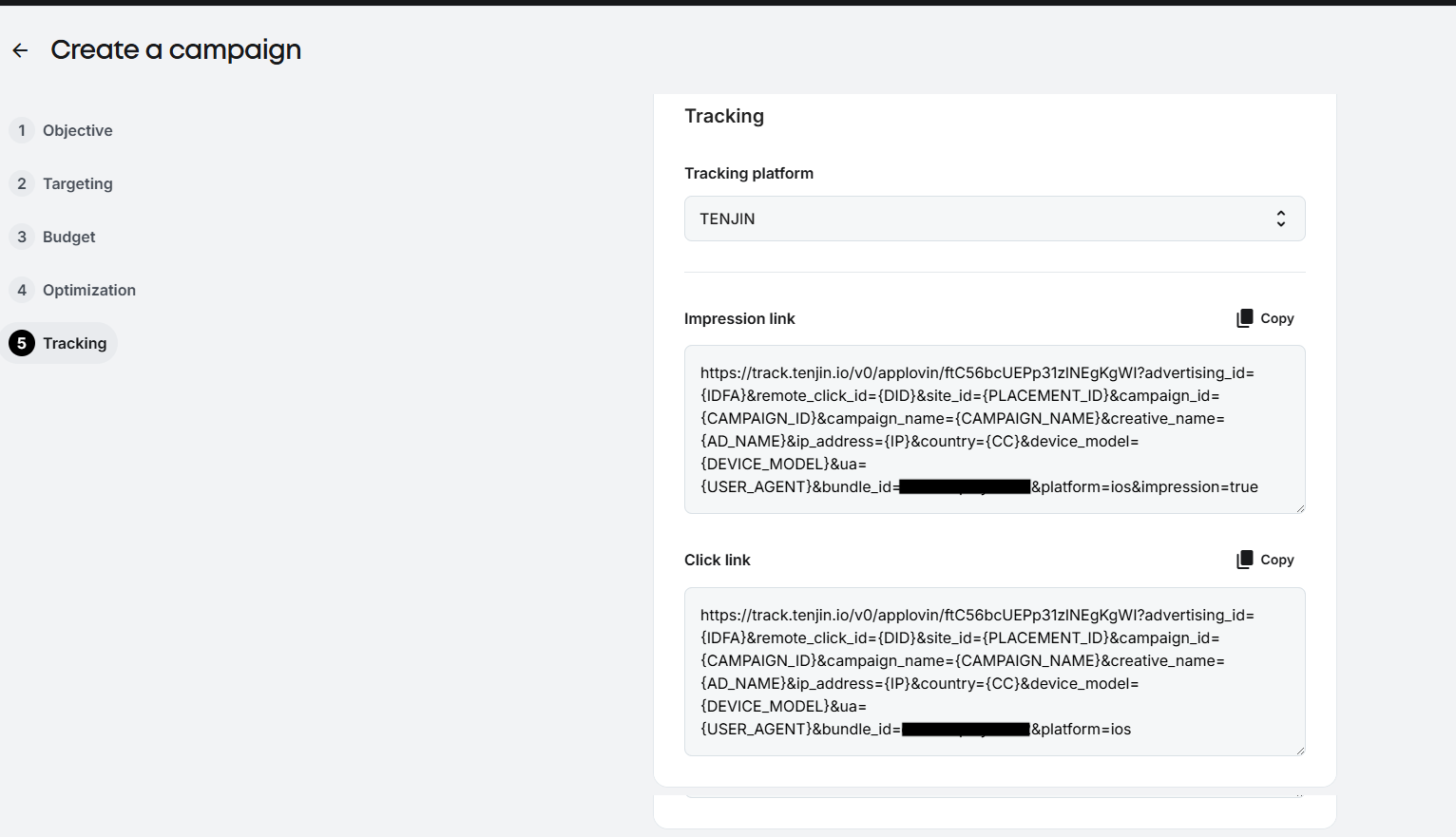
- 在 AppLovin 上 仪表盘中,在‘创建广告系列’的第 5 步中点击‘跟踪’选项卡,并将 Tenjin 设置为您的跟踪平台。然后,输入该广告系列的点击和展示跟踪 URL。.
For AppLovin, tracking links may sometimes need to be manually updated by your Applovin Account Manager. Please check with your Applovin Account Manager if required.