如何在面板中使用筛选器和分组 #
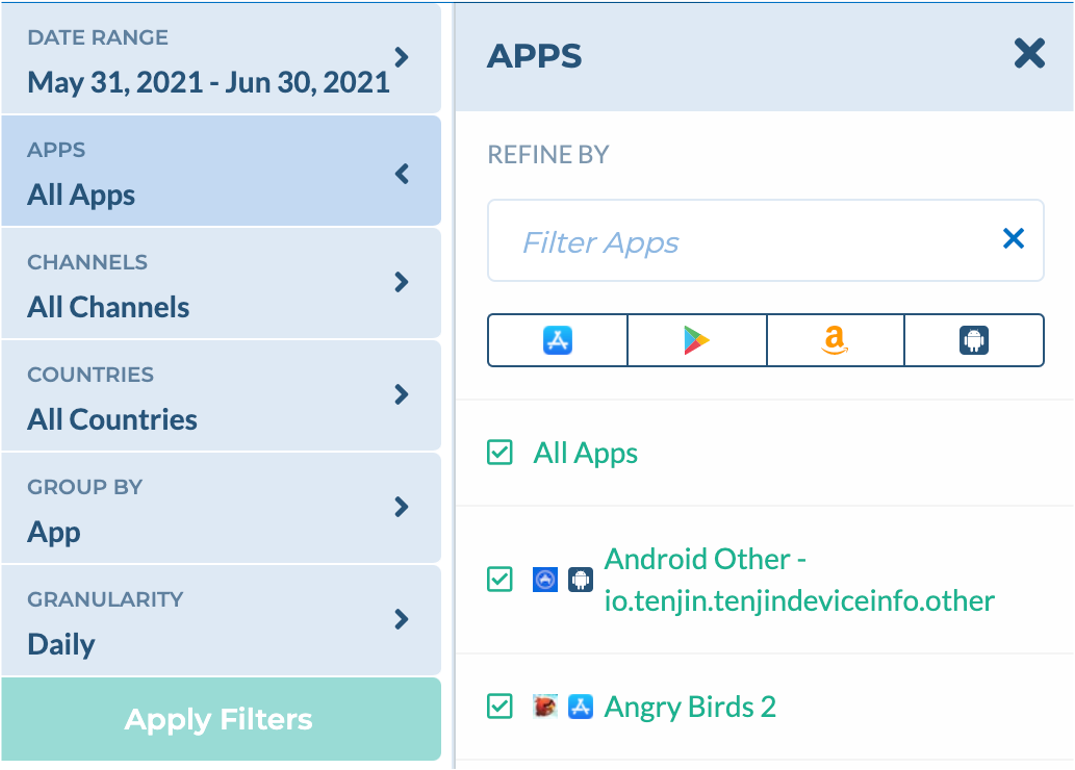
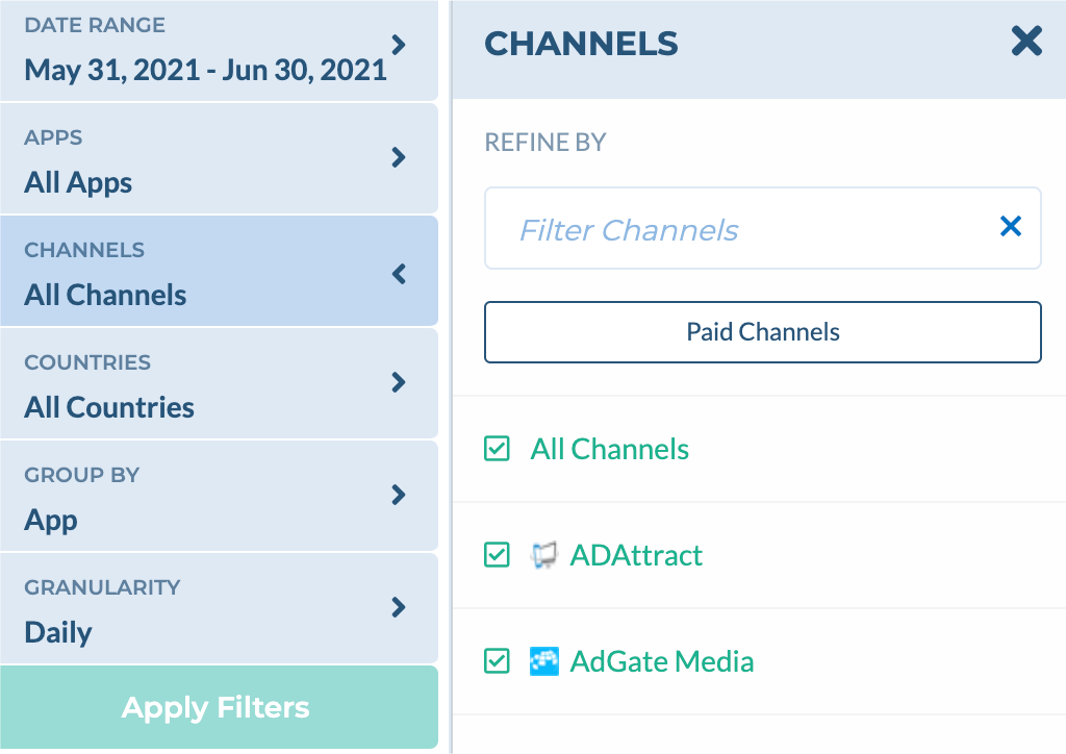
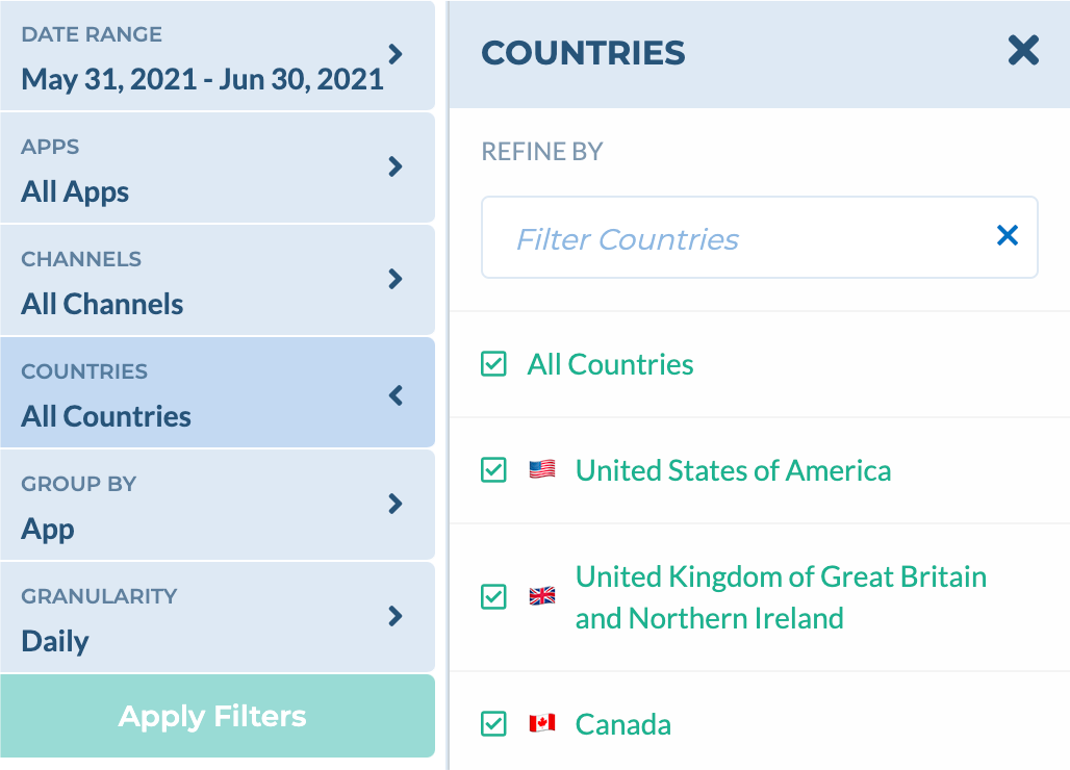
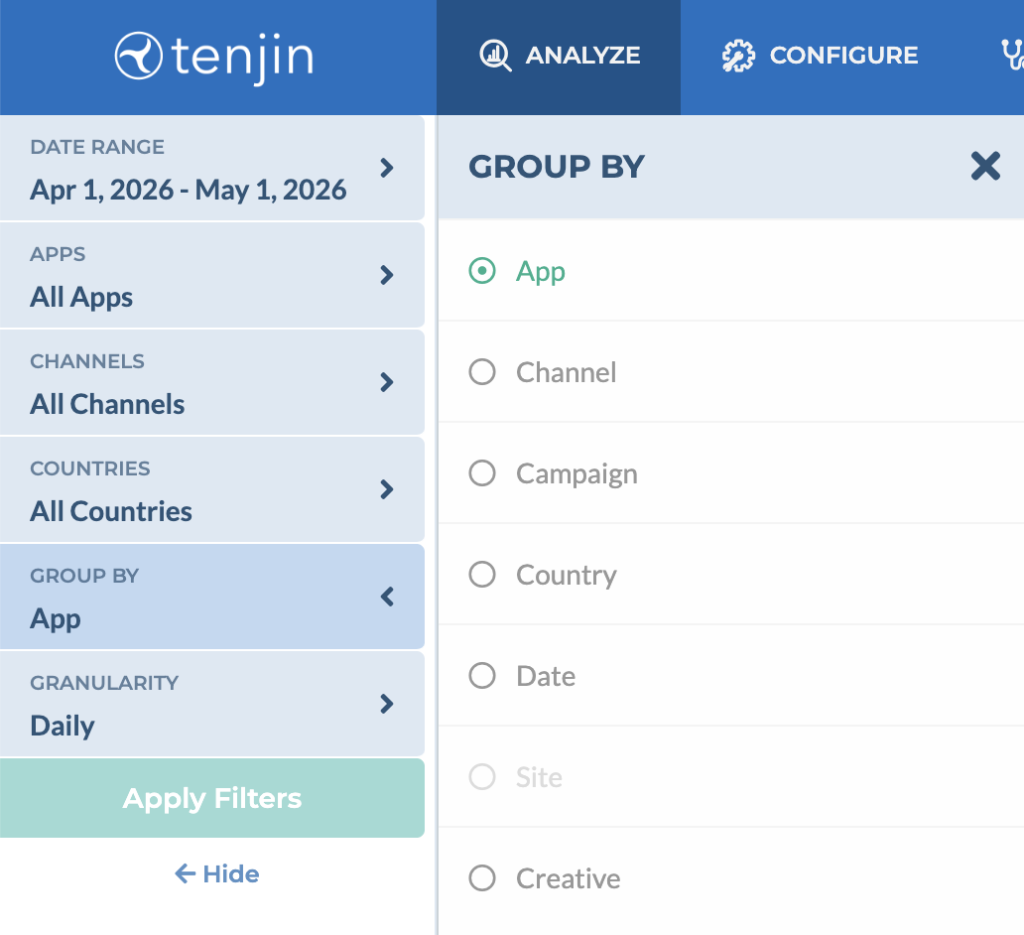
Tenjin面板界面支持快速调整数据筛选器和用户维度分组。过滤器与分组功能均位于面板左上角。
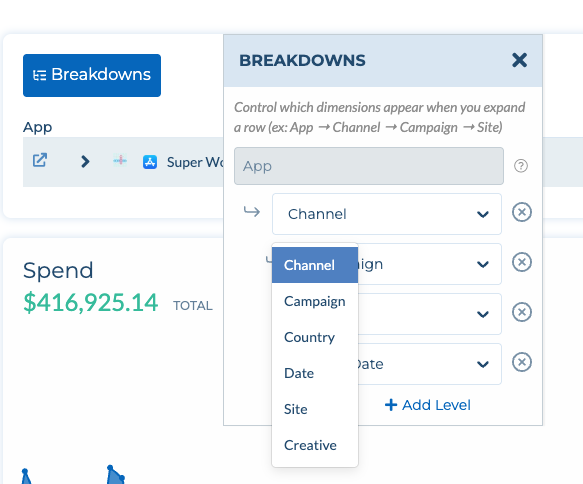
维度拆解 (Breakdowns)使用维度拆解功能,您可以在单个视图中跨多个维度深入分析您的数据。通过从渠道(Channel)、广告活动(Campaign)、国家/地区(Country)、日期(Date)、子渠道(Site)或素材(Creative)等选项中添加不同层级,您可以自定义层级结构(例如:应用 → 渠道 → 广告活动 → 子渠道)。使用场景:无需运行多个独立的报告,即可快速识别出具体是哪些渠道和广告活动在特定应用中产生了广告消耗。