How to use filters and groups in the dashboard #
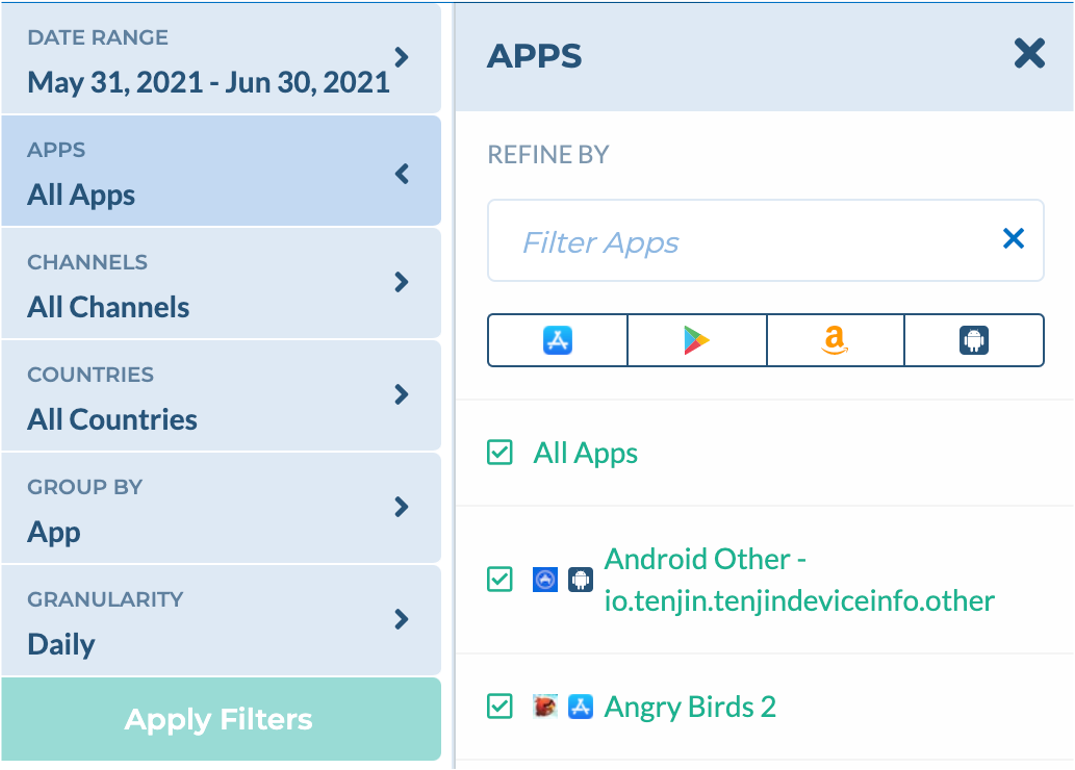
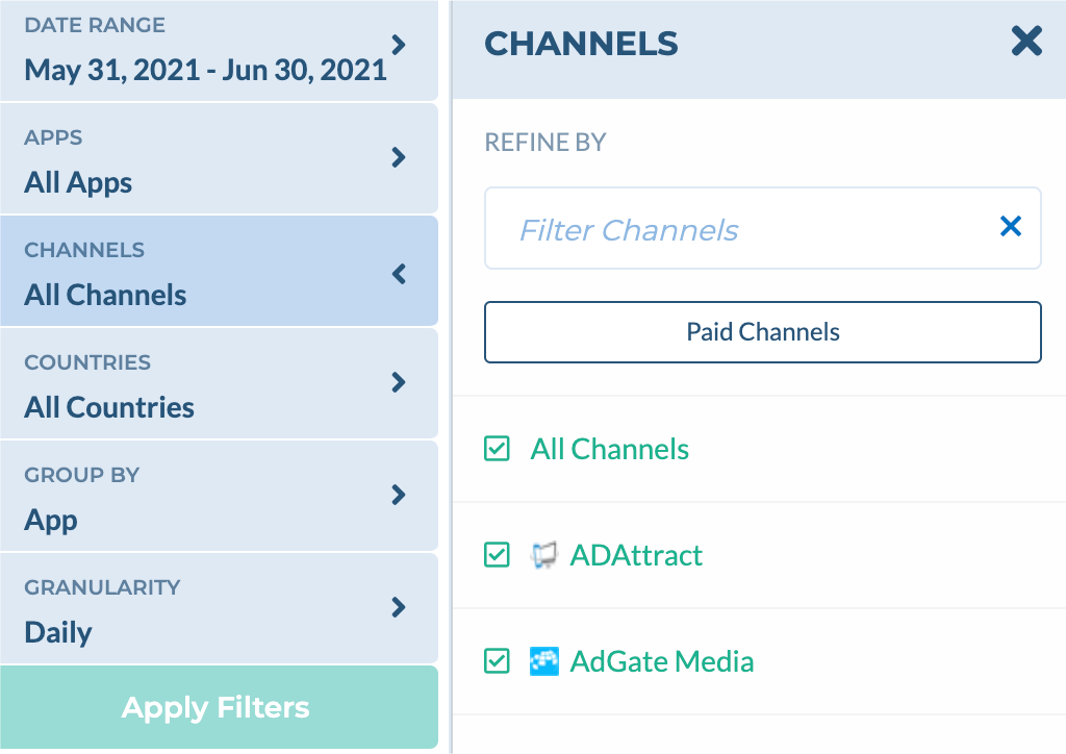
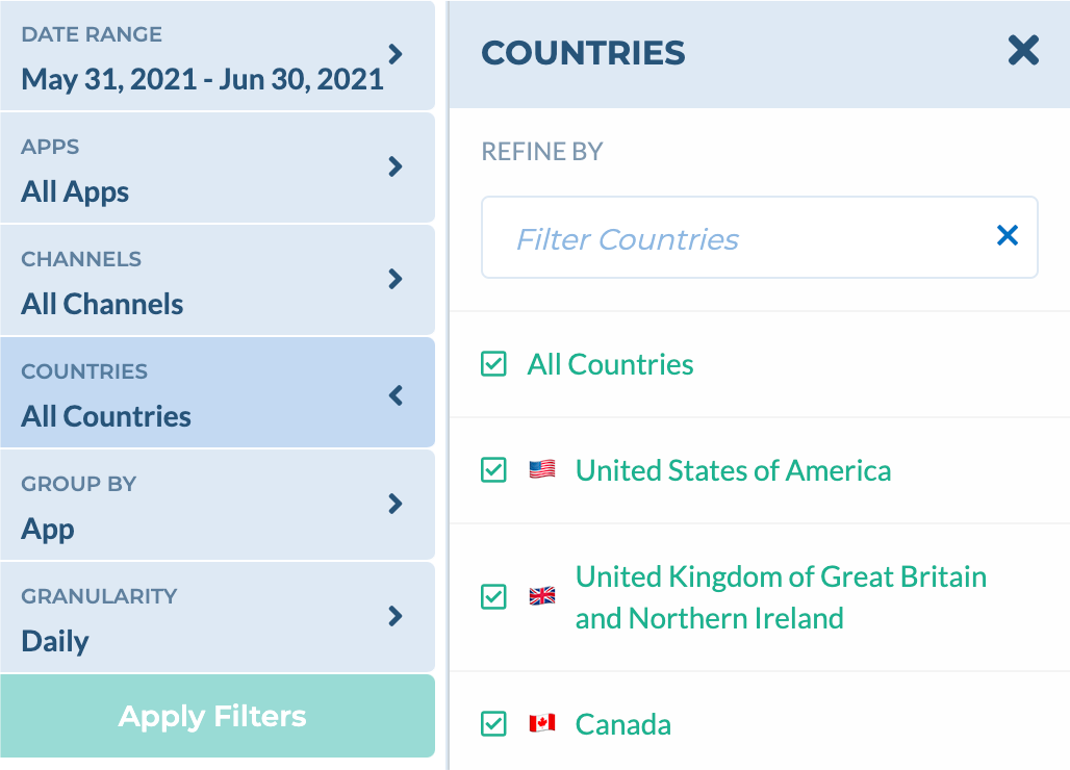
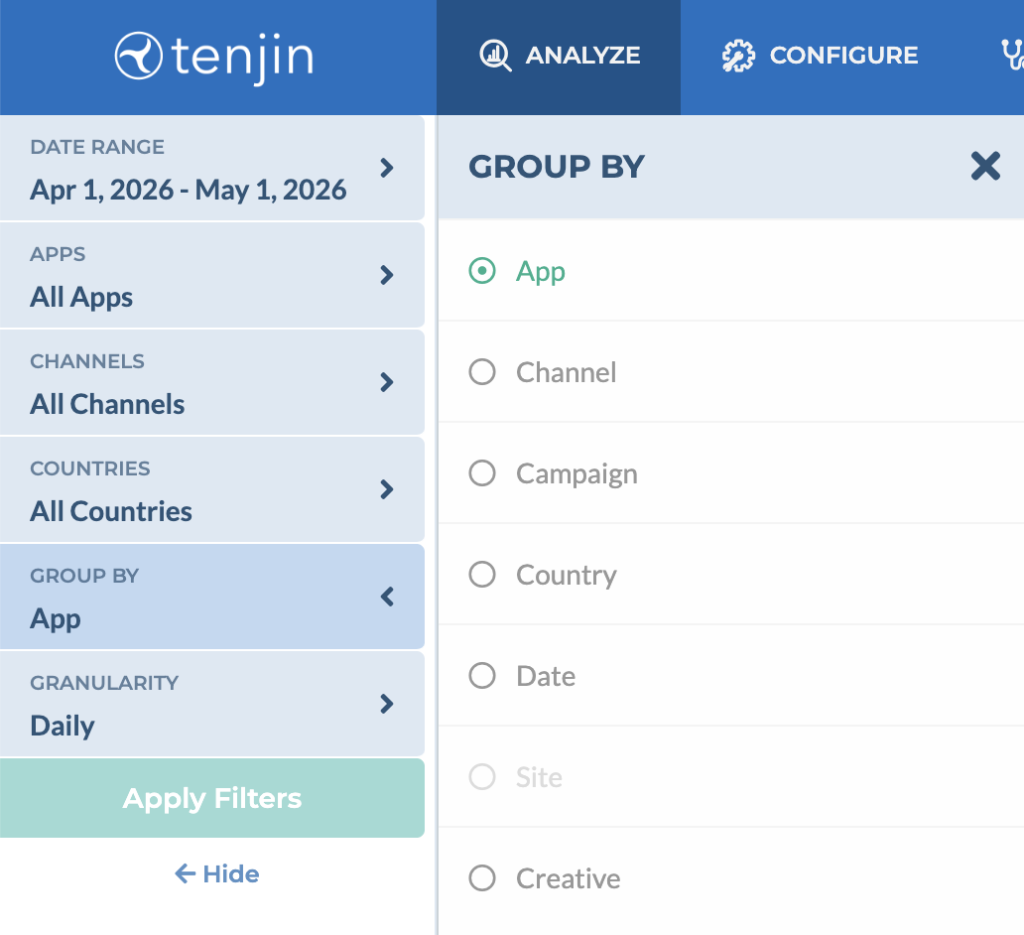
Tenjin’s dashboard interface allows you to change data filters and user dimension groupings quickly. Both the filters and groupings are located in the top left of the dashboard in blue.
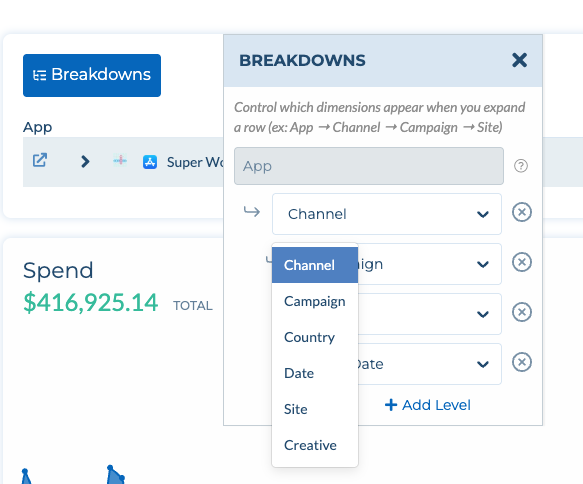
Breakdowns: Use Breakdowns to drill into your data across multiple dimensions in a single view. Define a custom hierarchy (e.g., App → Channel → Campaign → Site) by adding levels from options like Channel, Campaign, Country, Date, Site, or Creative. Use case: Quickly identify which channels and campaigns are driving spend within a specific app — without running separate reports.