Amazon Ads Integration with Tenjin #
- Make sure you have already added the latest Tenjin SDK.
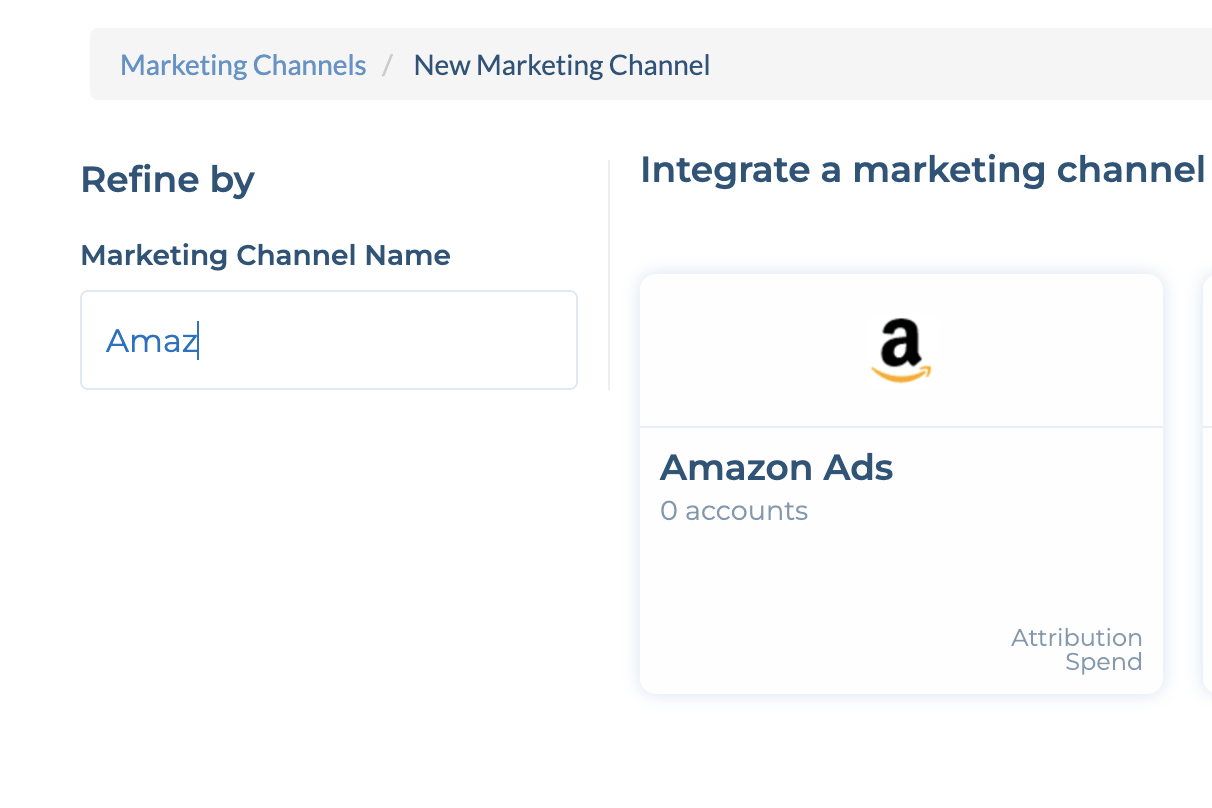
- Add your Amazon Ads account in the channels tab.
- Please note, if you are using a Managed Service Account, please ensure to complete these steps and get access via Step 8:
- Go to CONFIGURE -> Apps tab and select your app.
- Click Callbacks tab.
- Select Amazon Ads in the Channels and Partners drop-down. Enter your Amazon Advertiser ID for your app, and click Save. *Note: To find your Amazon ID, go to Advertiser Settings and look for Amazon ID. If you cannot find your Advertiser ID, please contact your Amazon account manager.*
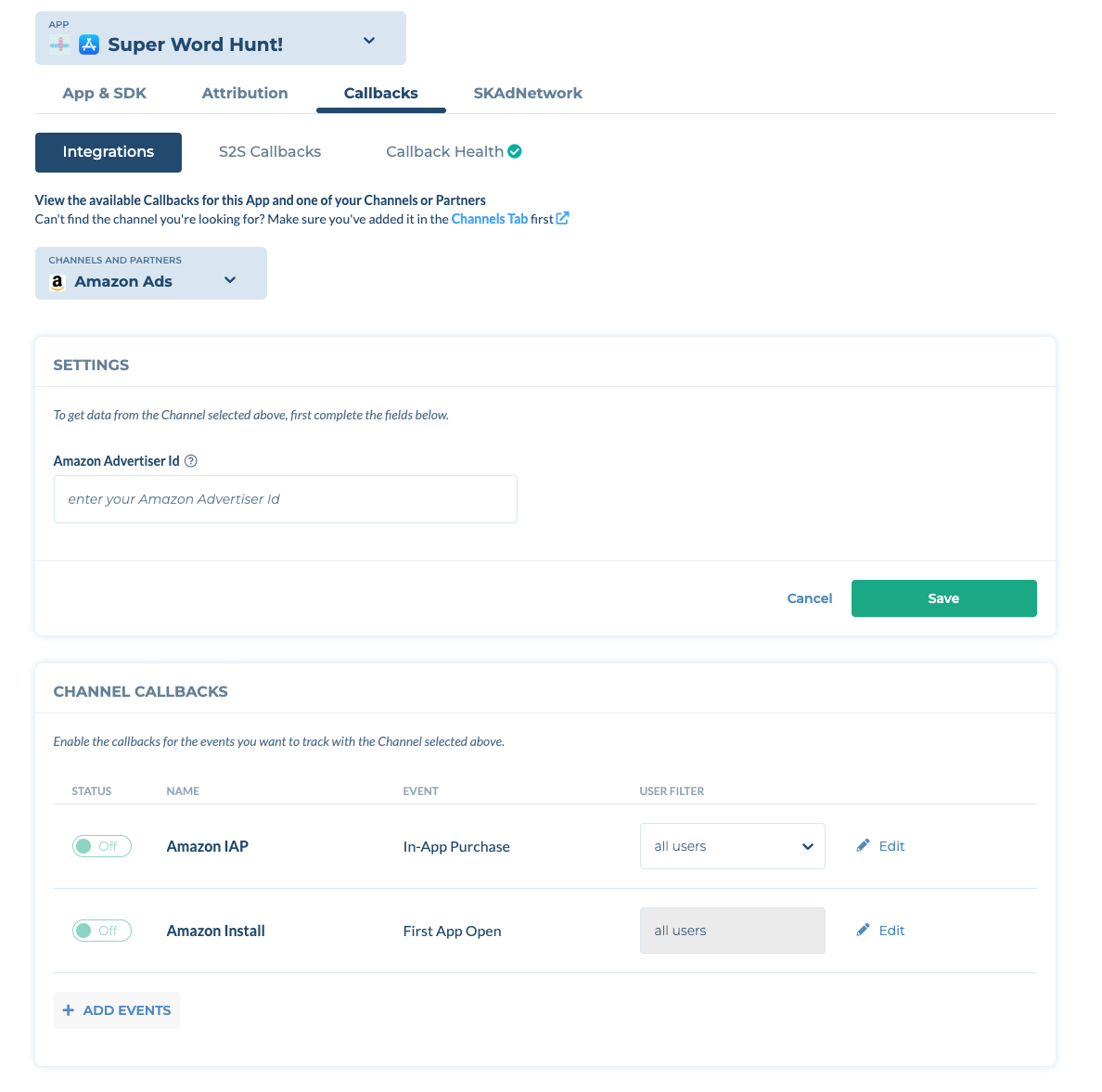
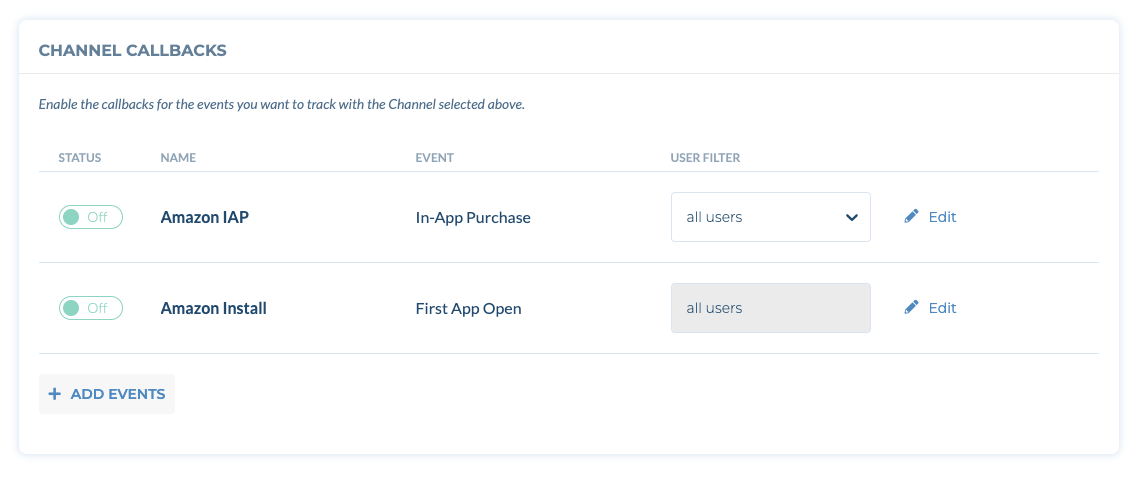
- Toggle ON to activate the Amazon Install callback.
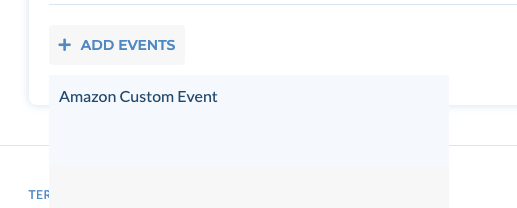
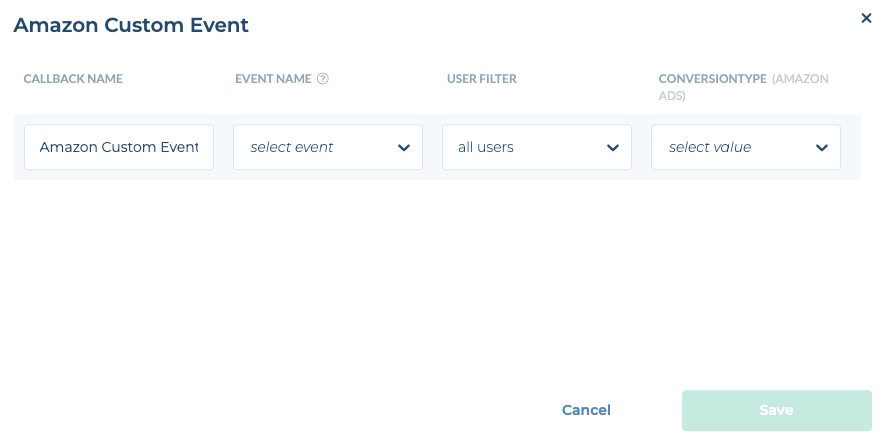
- (optional) To send custom events to Amazon Ads, Click +Add Events and select Amazon Custom Event. Then select your event name and the ConversionType
Important:
Amazon Ads DMA Consent Enforcement (Effective June 30, 2026)
Starting June 30, 2026, Amazon Ads will enforce Digital Markets Act (DMA) consent requirements for traffic originating from DMA-regulated markets (EU/EEA/UK). After this date, Conversion events sent from DMA markets without a valid user consent signal will not be attributed, and Amazon Ads will not return any Attribution records for those events.
How to implement: Tenjin automatically captures consent signals that comply with the IAB Transparency & Consent Framework (TCF) v2.x standard. As long as your CMP (Consent Management Platform) is IAB TCF v2.x compliant, the consent string will be picked up and forwarded to Amazon Ads automatically — no additional SDK integration work is required.