Overview of API Access Tokens #
The same API key can be used for all the Tenjin APIs. A unique API key should be generated for every user and it will have the same level of access as your Tenjin role. Example: Read-only users can only make GET requests to the APIs. For third party access, you should create a new access key within your account. This is done to ensure that one user does not lose access when revoking the key for other 3rd party users.
Create a new access token #
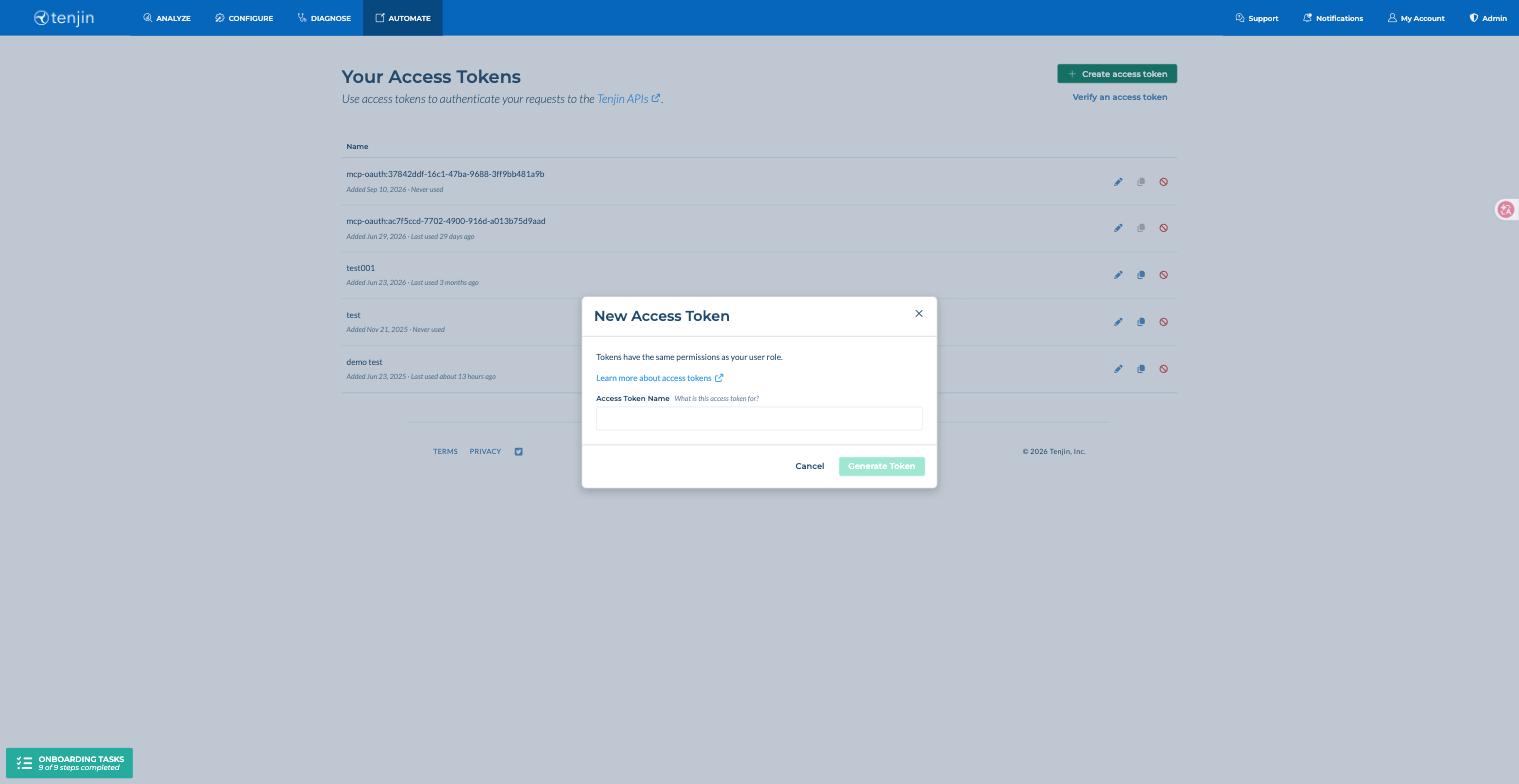
- In the navigation bar, go to the AUTOMATE -> API Access Tokens link.
- Click Create access token, enter a name for the token, and click Generate Token. Please use descriptive names when generating a new token. Tokens can be renamed later and this will not affect their usability.

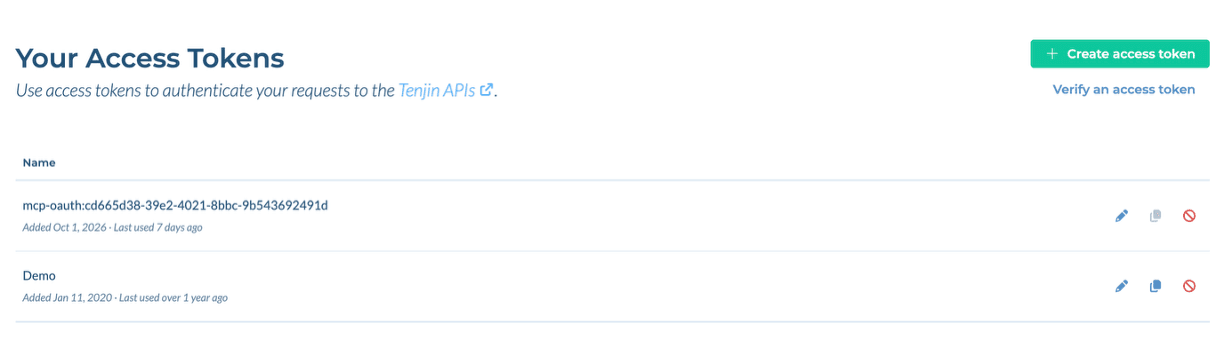
- Once an access token has been generated, it appears in your list of access tokens. You can use the icons next to each token to rename it, copy it, or revoke it at any time.

Organization Managers can manage their user’s access tokens from the Manage Organization tab, explained here.
Verify an access token #
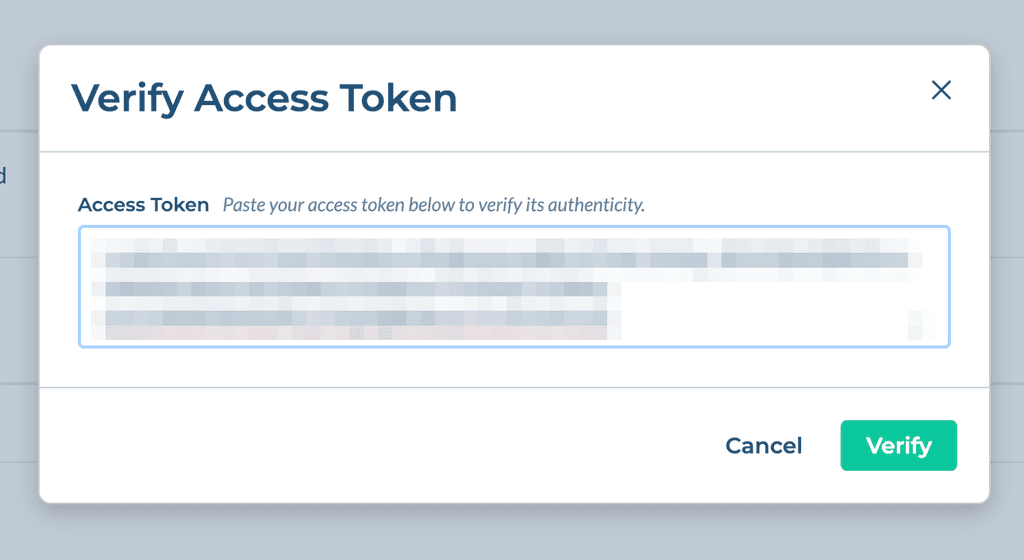
Click Verify an access token on the Access Tokens page, or go to the Verify Access Token page, to verify the authenticity of the access token and which access token it belongs to in Tenjin. Note that the green alert box ‘here’ link tag directs you to the access token that was verified.