Google Ads Web-to-App Measurement: Step-by-Step Setup Guide #
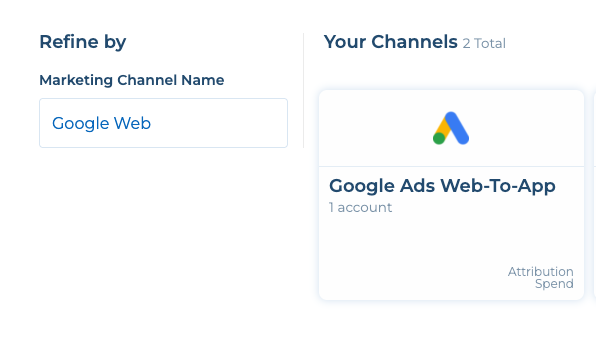
- Add “Google Web-To-App” channel on Tenjin and create then your campaign by going under CONFIGURE -> Campaigns -> create campaigns.

- On the Google Ads dashboard, set up Google Ads web campaign – not App promotion campaigns.

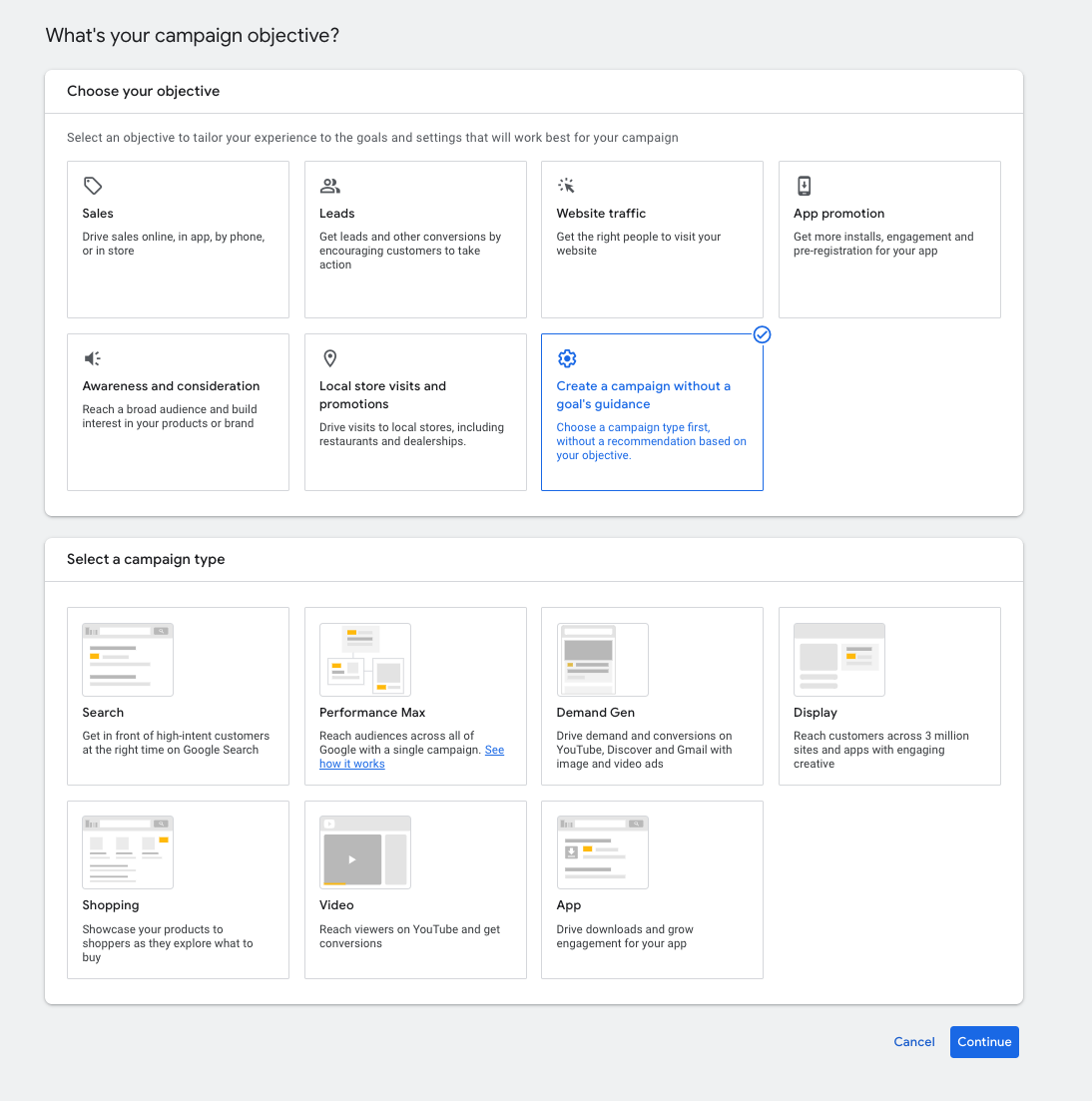
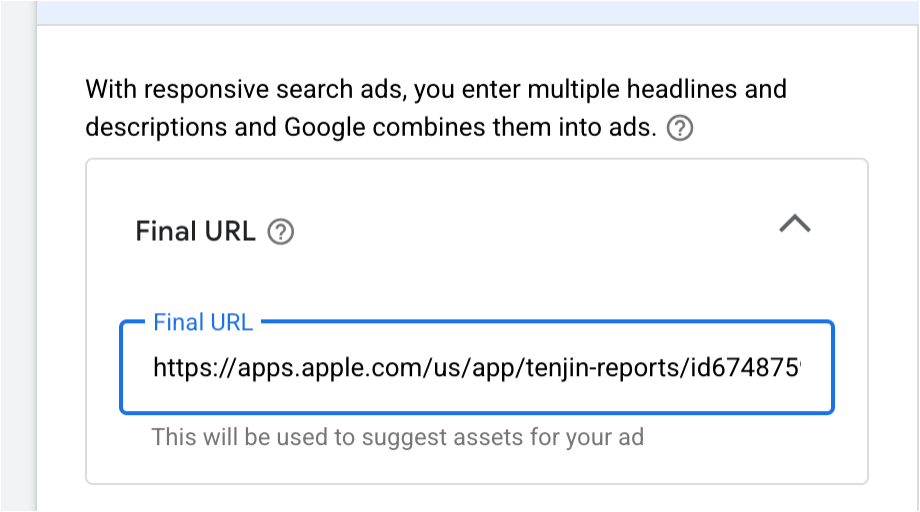
- Set your app store URL as the final URL in the Ad Setting.

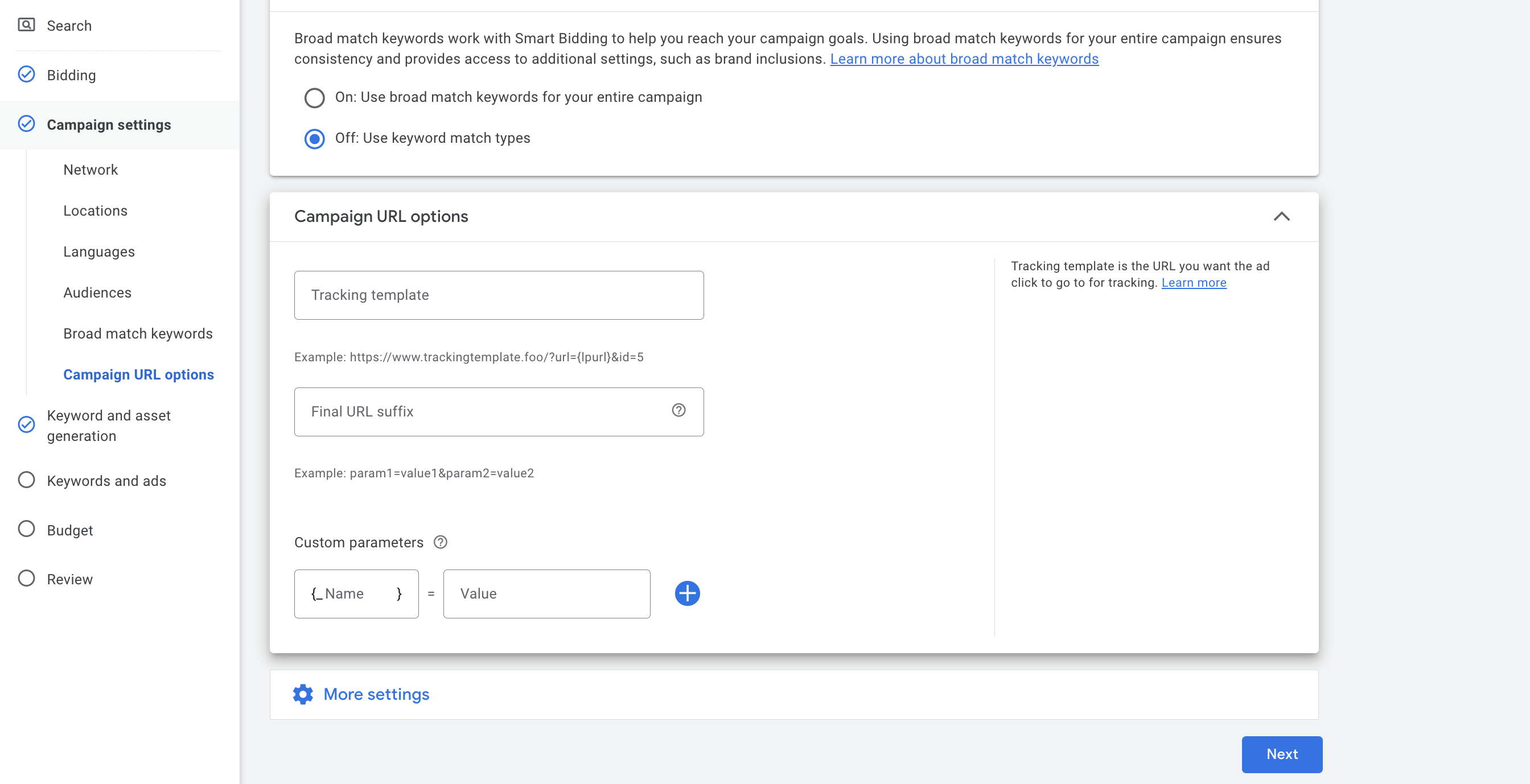
- Go to Campaign settings -> Campaign URL options.

- Set up the tracking template at campaign level.
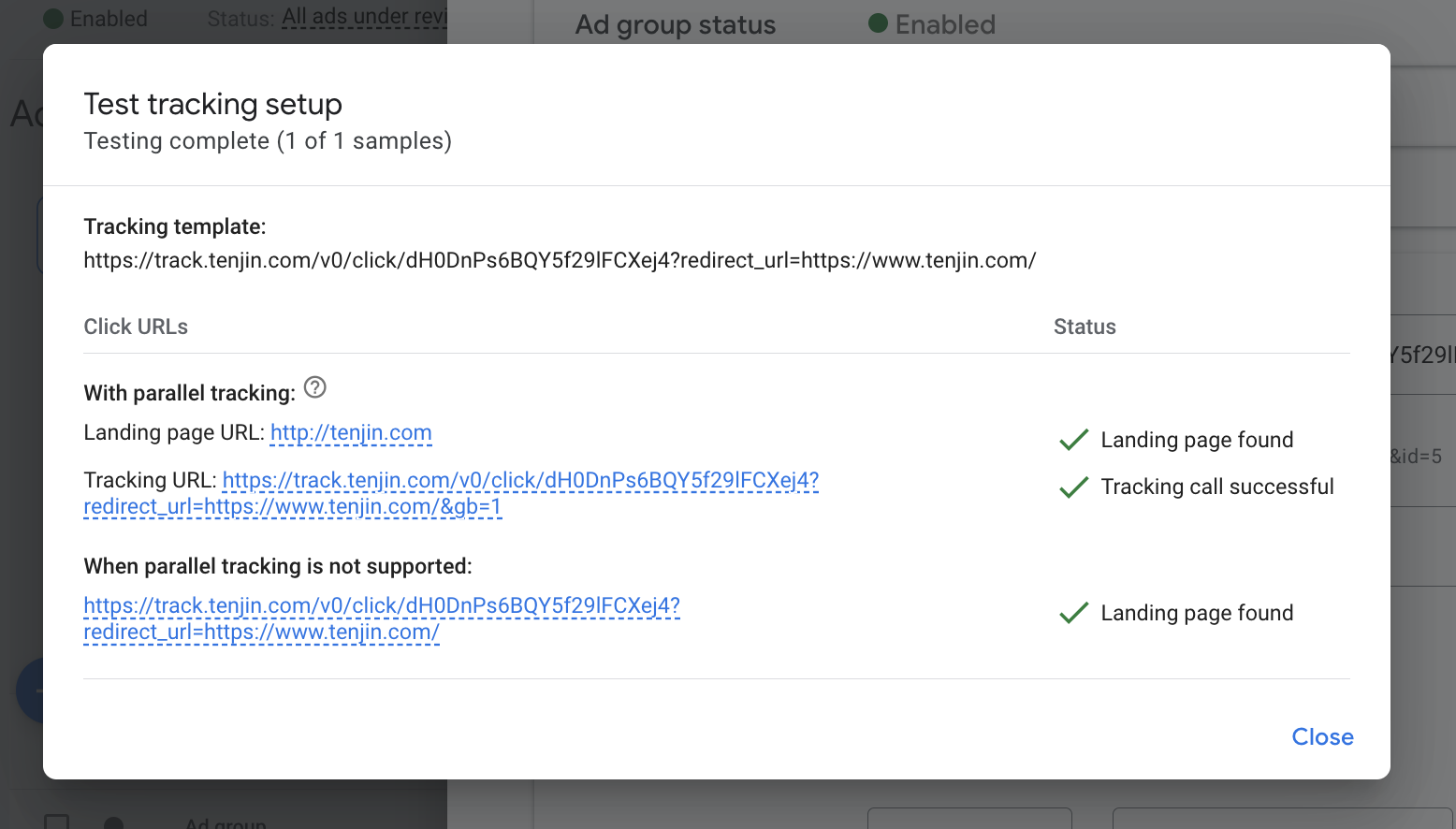
Tracking url example:https://track.tenjin.io/v0/click/bFpF2uljcAyfPCzwUJ0tuZ?redirect_url={escapedlpurl}&click_id={gclid}&tenjin_parameter_0={gbraid}&tenjin_parameter_1={wbraid}&jsr=true - After configuration, you can test the tracking setup.